See your invitationbefore your guests do
Try it without an account, check it on your phone, publish when it is right.
Start designing in the editor without signing up. Switch to phone view at any moment, and once your invitation is saved to a free account, a QR code opens a live preview on your own phone. None of it has a time limit, and guests only see your invitation once you publish it.
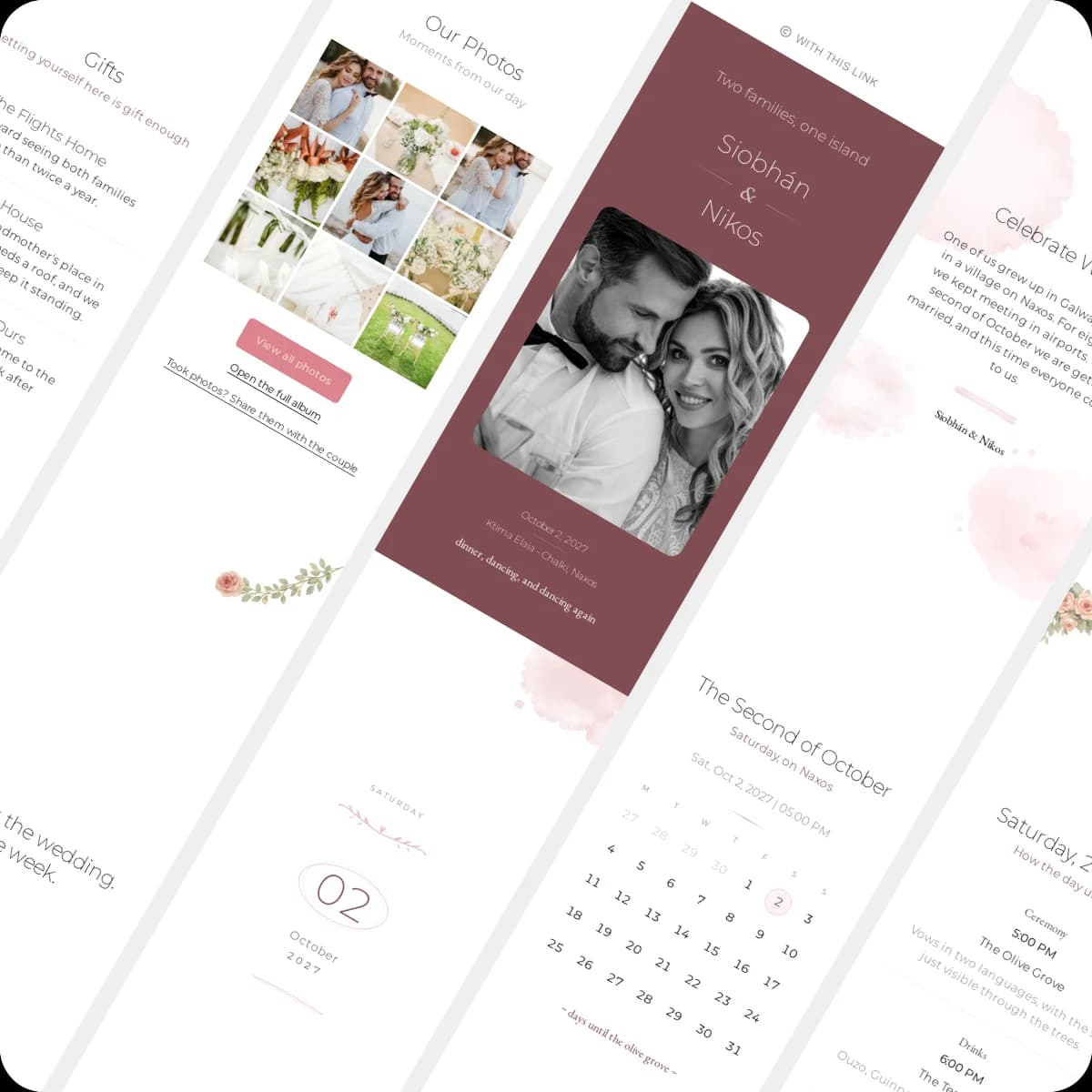
How it works
From first try to final check
Try it without an account
Pick a design and start editing straight away, no account needed. Your draft is stored in this browser on this device, and when you sign up for free, it moves into your account automatically, images included.
Switch to phone view
One click in the editor toolbar shows your invitation at phone size, the way most guests will open it. Replay the entrance animations whenever you like.
Scan the QR code
Once your invitation is saved to your account, the Share panel shows a QR code. Scan it, sign in on your phone, and the invitation opens there exactly as guests will see it. Changes from the editor appear within a few seconds.
Publish when it is right
Nothing is public until you publish. Then your guests open the same invitation under your own link, and you can keep editing it.
In the editor
Your link, right next to the phone view
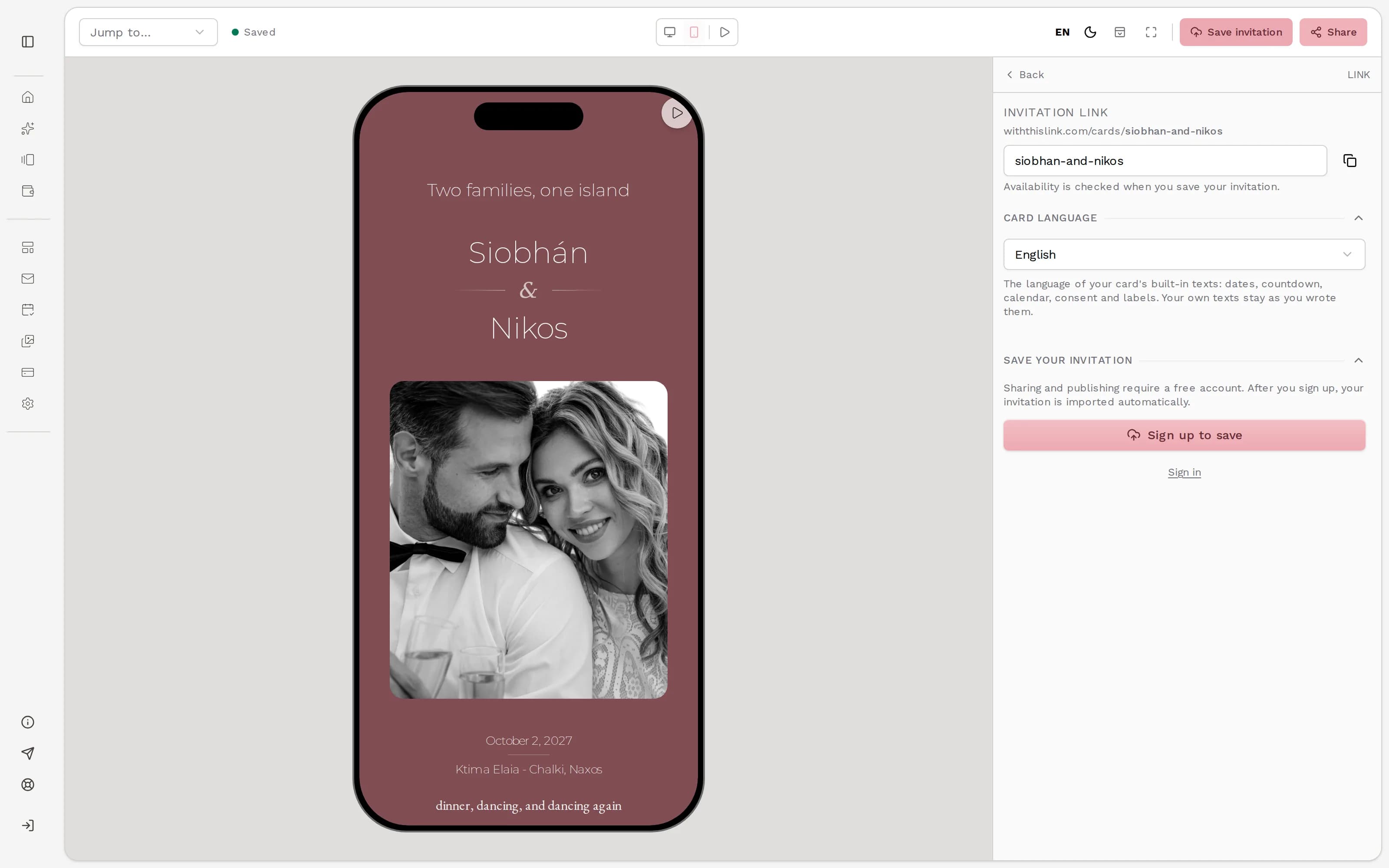
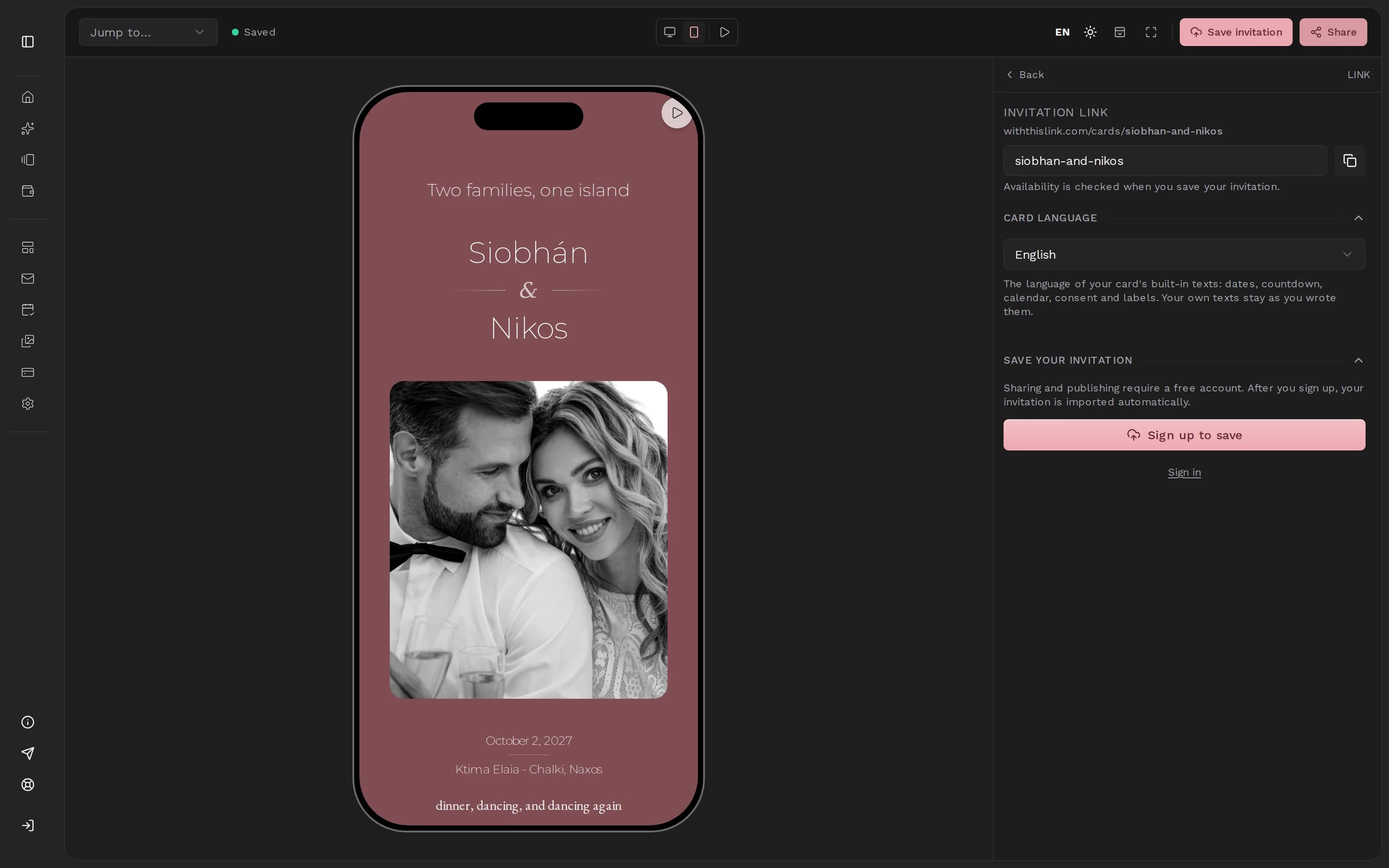
The Share panel
Choose your link and the language of the card. Without an account, the panel offers the free sign-up; in your account it adds the QR code for your phone and a button that copies the preview link.
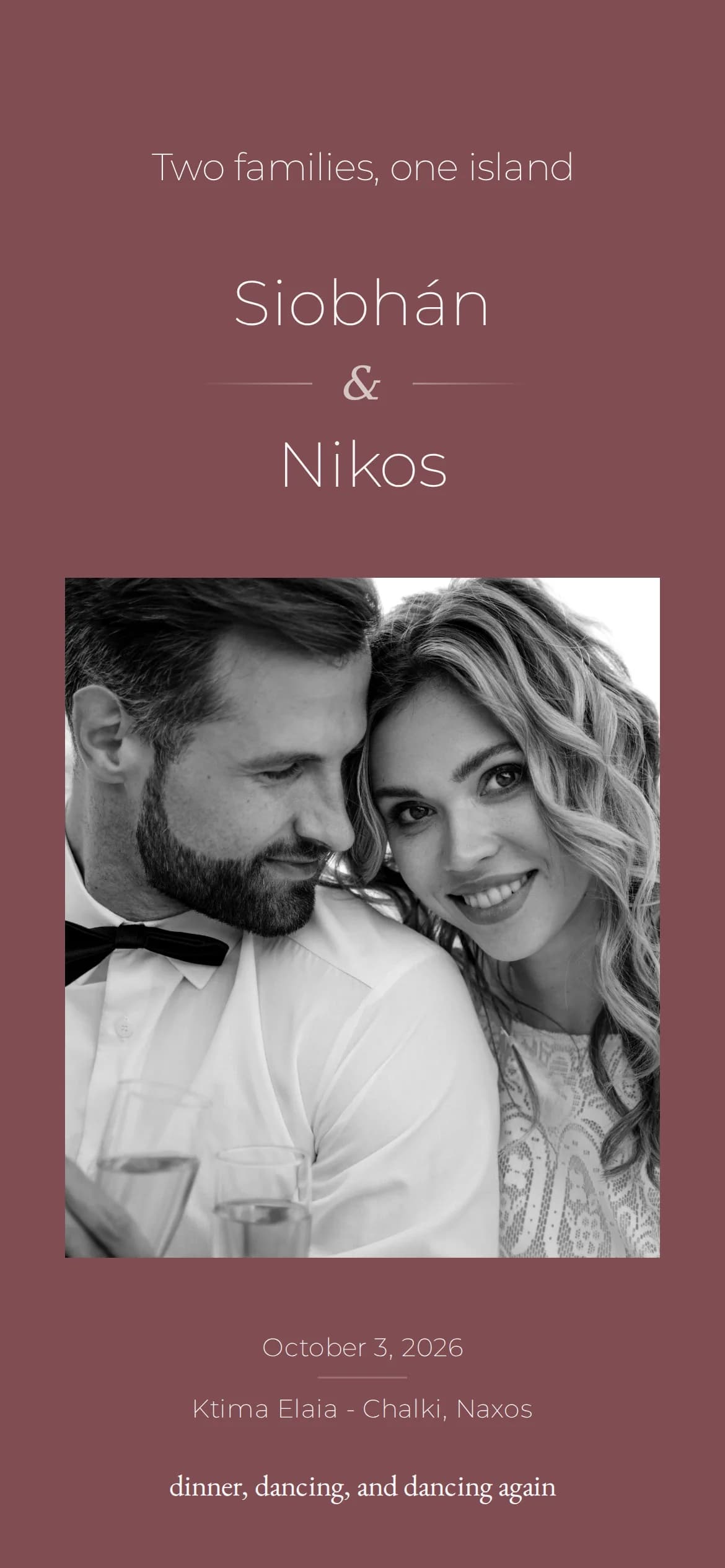
On your phone
The preview on your phone is the real invitation with every section, animation and photo, not a still image.
Good to know
Questions about the preview
Accounts, privacy and what the preview changes.
Didn't find what you were looking for?
Write to us with your question. We reply within one business day.
More features