Invitation languagesin the language of your day
Choose the card's language. Your own words stay exactly as you wrote them.
Every invitation has one card language, and you choose it. It sets how dates are written, what the countdown says and how the card's own small labels, the RSVP consent and the photo album read. Everything you write yourself appears exactly as you typed it. We never translate it.
More on the preview and the sandbox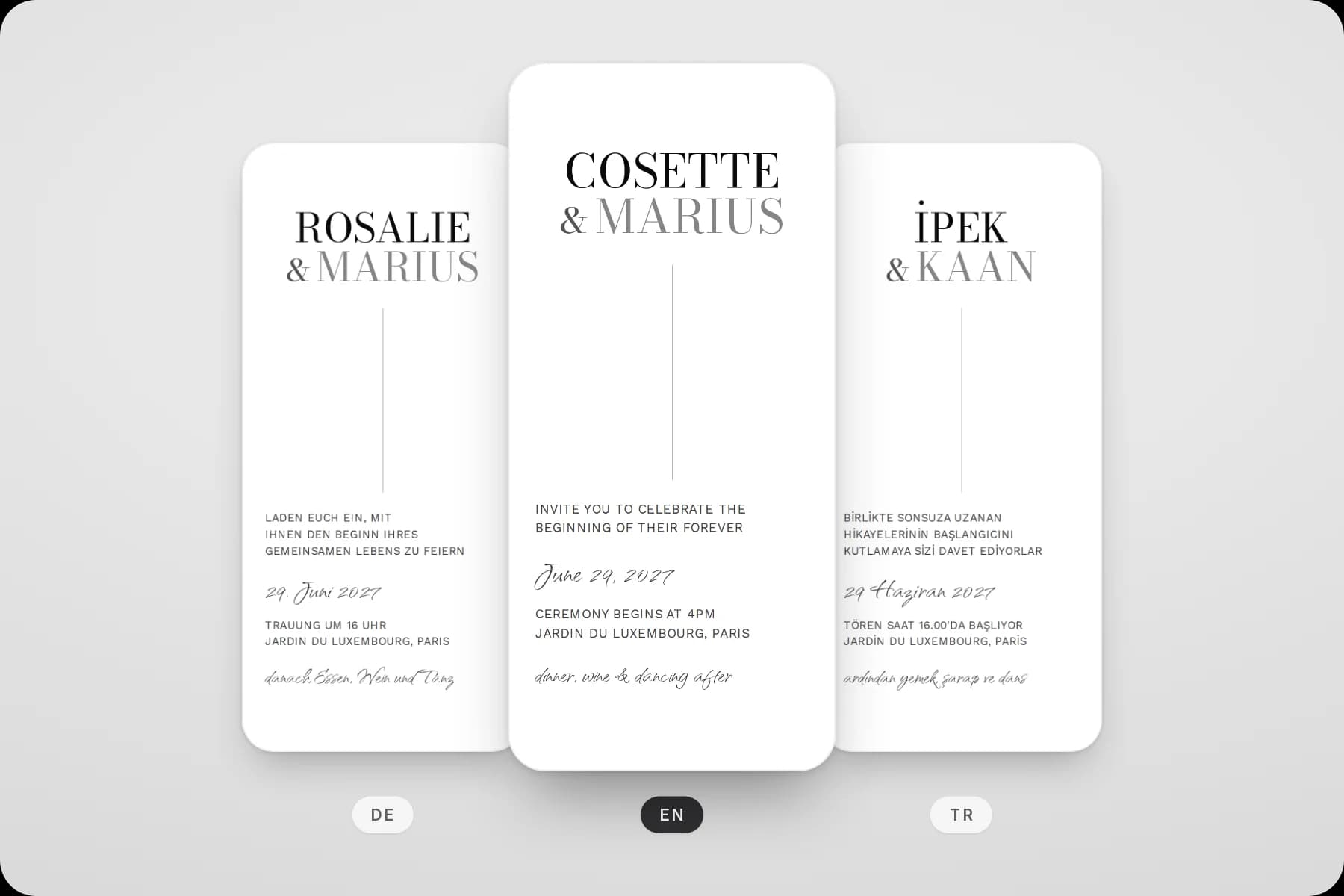
How it works
One setting for the whole card
Choose the card language
Open the Link panel in the editor and pick a language under Card language. A new invitation starts in the language you use our site in.
Write in your own words
Your names, greetings, story and headings are yours. Write them in the language your guests read, or in two languages side by side.
Check the preview
The editor preview shows dates, the countdown and the card's own labels in the card language, exactly as your guests will see them.
What changes
What the language sets, and what stays yours
Switching the card language never touches your own text. It changes only the words the card adds by itself.
Set by the card language
- Written dates and times, and the month and weekday names in the calendar
- The countdown units: days, hours, minutes and seconds
- Small labels the card adds, such as the directions button in the location section and the gallery controls
- The consent step and privacy note of the RSVP form
- The photo album page, and the notice guests see when a card is not online
Written by you
- Your names, greetings, story, schedule and FAQ
- Every heading and text you can edit on the card
- The RSVP buttons and form labels. A new card starts with them in the language you create it in, and you can reword each one.
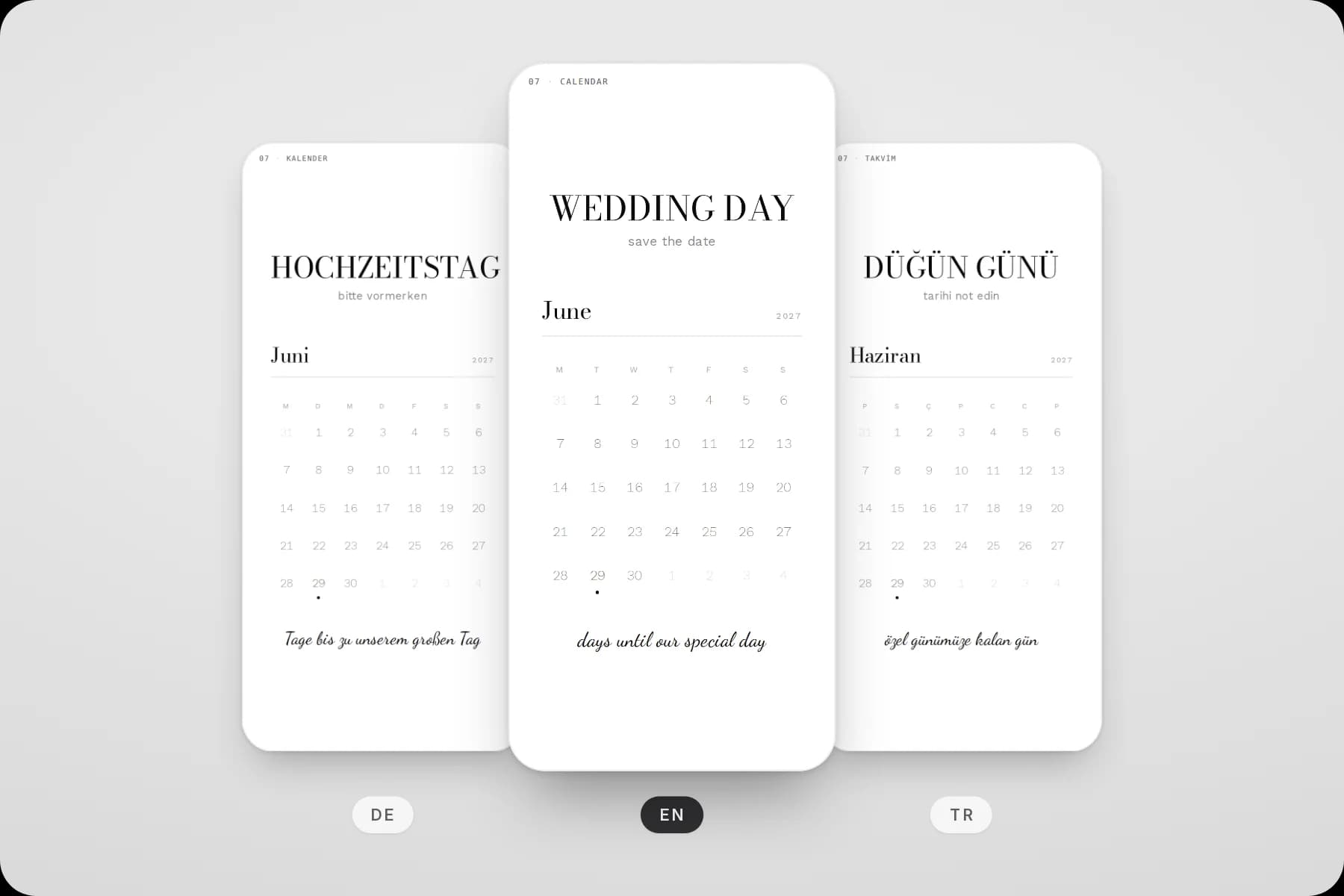
Month and weekday names come from the card language. The headings are each example's own text, written in its language.
Languages
7 languages for your card
- English
- Deutsch
- Español
- Italiano
- Français
- Türkçe
- हिन्दी
Pick any of these for your card. Every guest sees the language you picked: the card does not switch per guest.
When you switch a card to Hindi, its fonts change to ones made for Devanagari script. In the other languages, a font that lacks some letters, such as the Turkish ones, is replaced by one that has them.
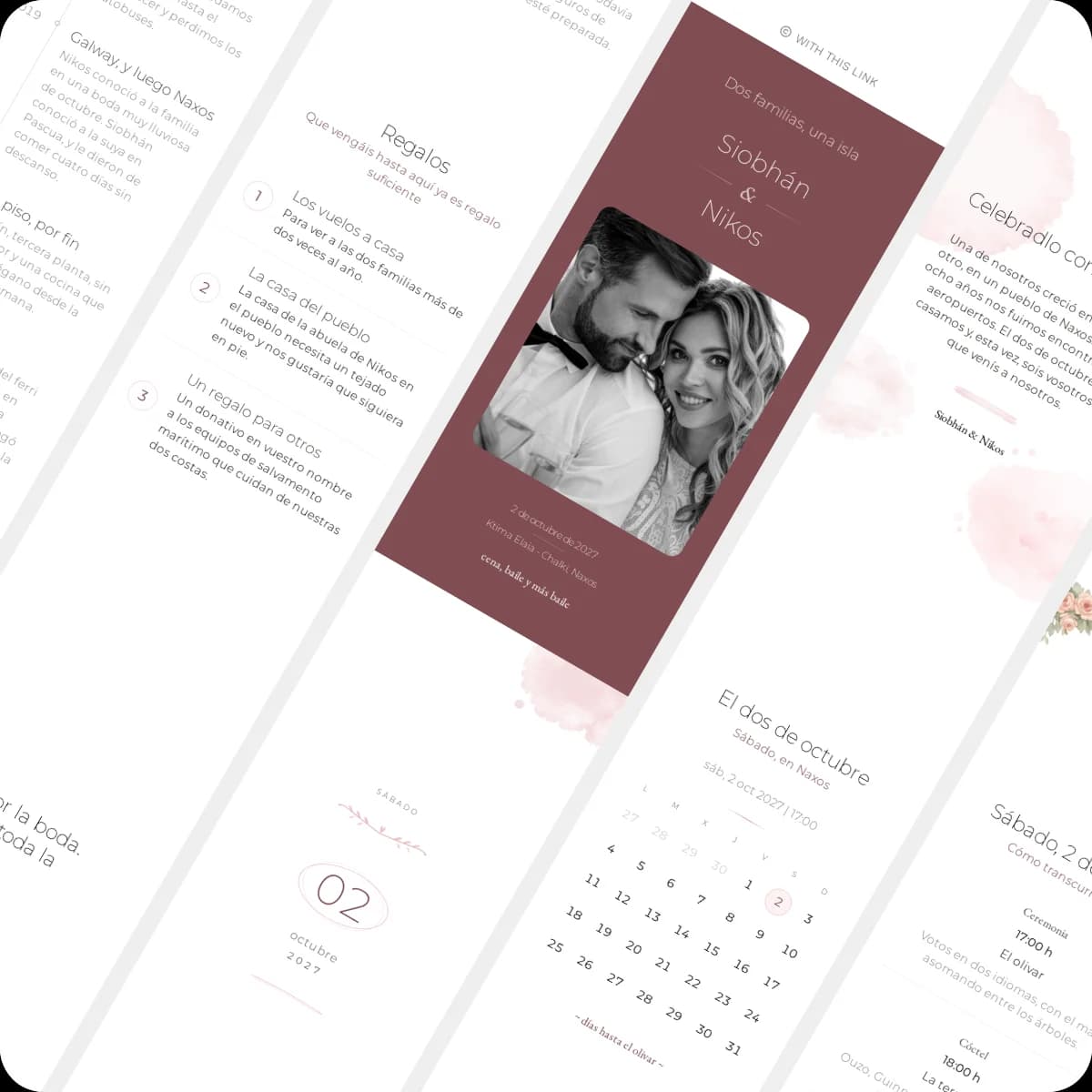
An example card set to Spanish, its text written in Spanish.
Good to know
Questions about the card language
Which language guests see, and what it changes on your card.
Didn't find what you were looking for?
Write to us with your question. We reply within one business day.
More features