Colors, fonts and musicin your own style
One design, as many looks as you like.
Start from a cover design, then make it yours: pick a color theme or mix your own, choose the fonts, add background music and finish your photos. Every change shows in the live preview straight away.
More on the preview and the sandbox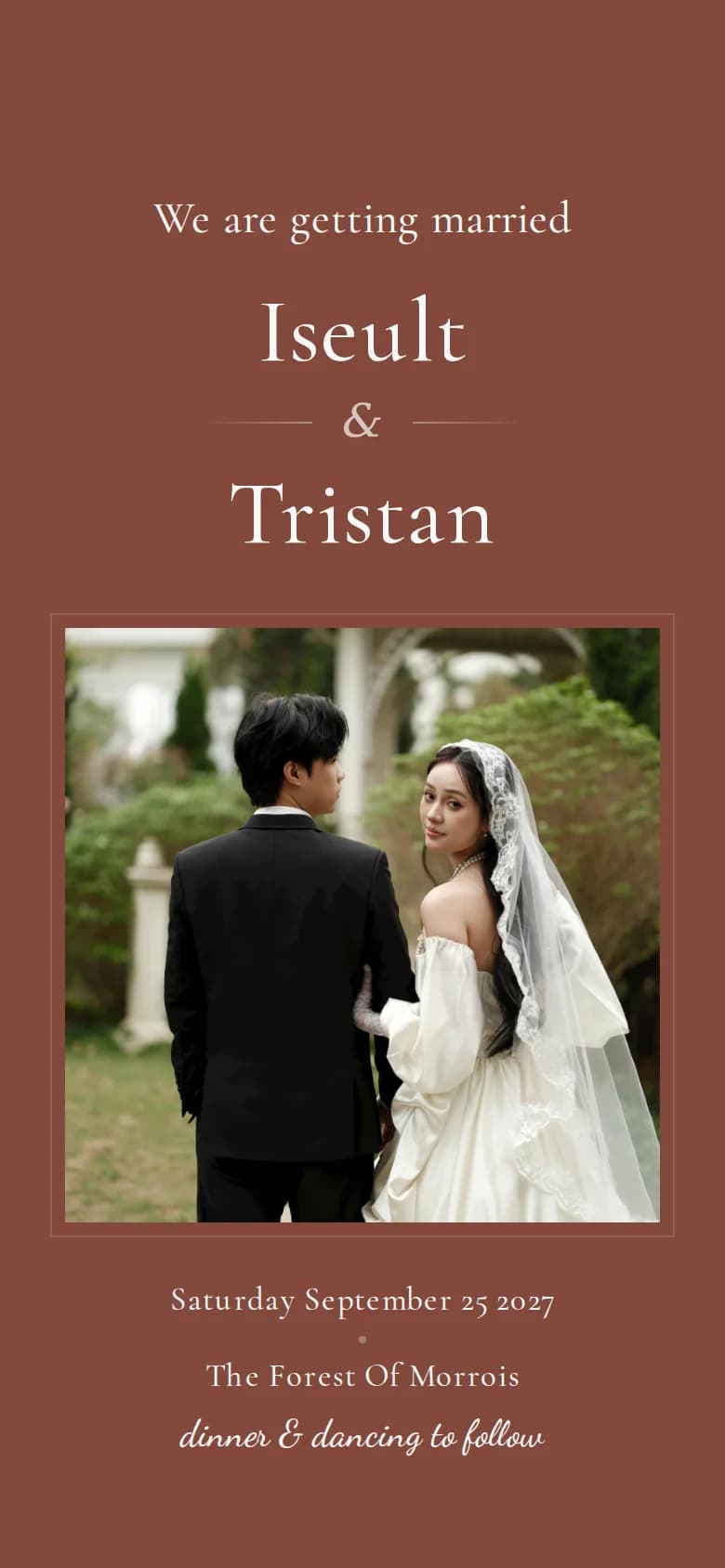
How it works
From template to your invitation
Start from a cover
Choose one of 20 cover designs: floral, modern or in newspaper and magazine style. You can switch later, and your names, date and texts stay.
Set colors and fonts
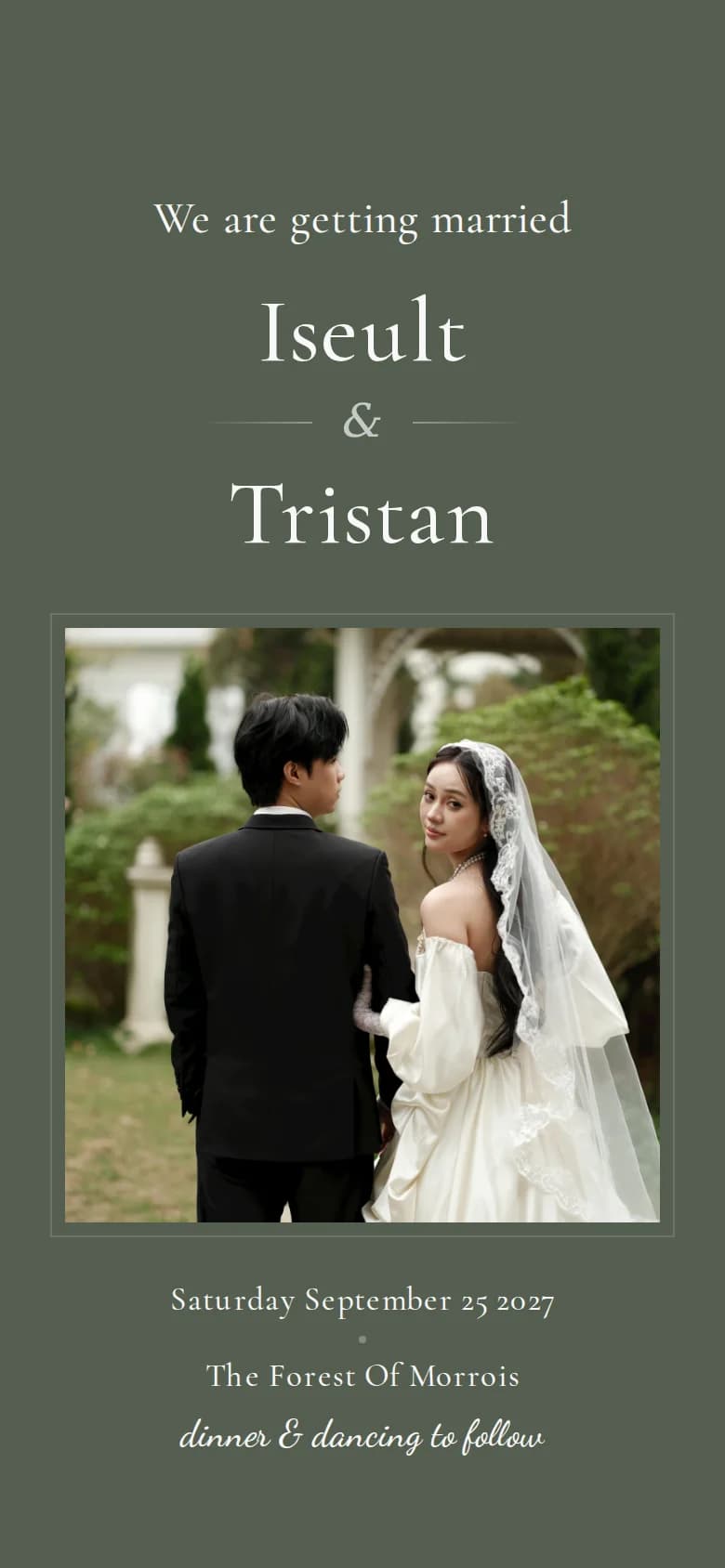
Pick a theme and the whole invitation follows it, from the cover to the RSVP form. Then choose fonts for headings, text and accents.
Add music and finish
Choose a background track, adjust your photos and publish. You can still change everything afterwards, and your guests always see the latest version.
Colors and fonts
A new look in a few clicks
A theme for every mood
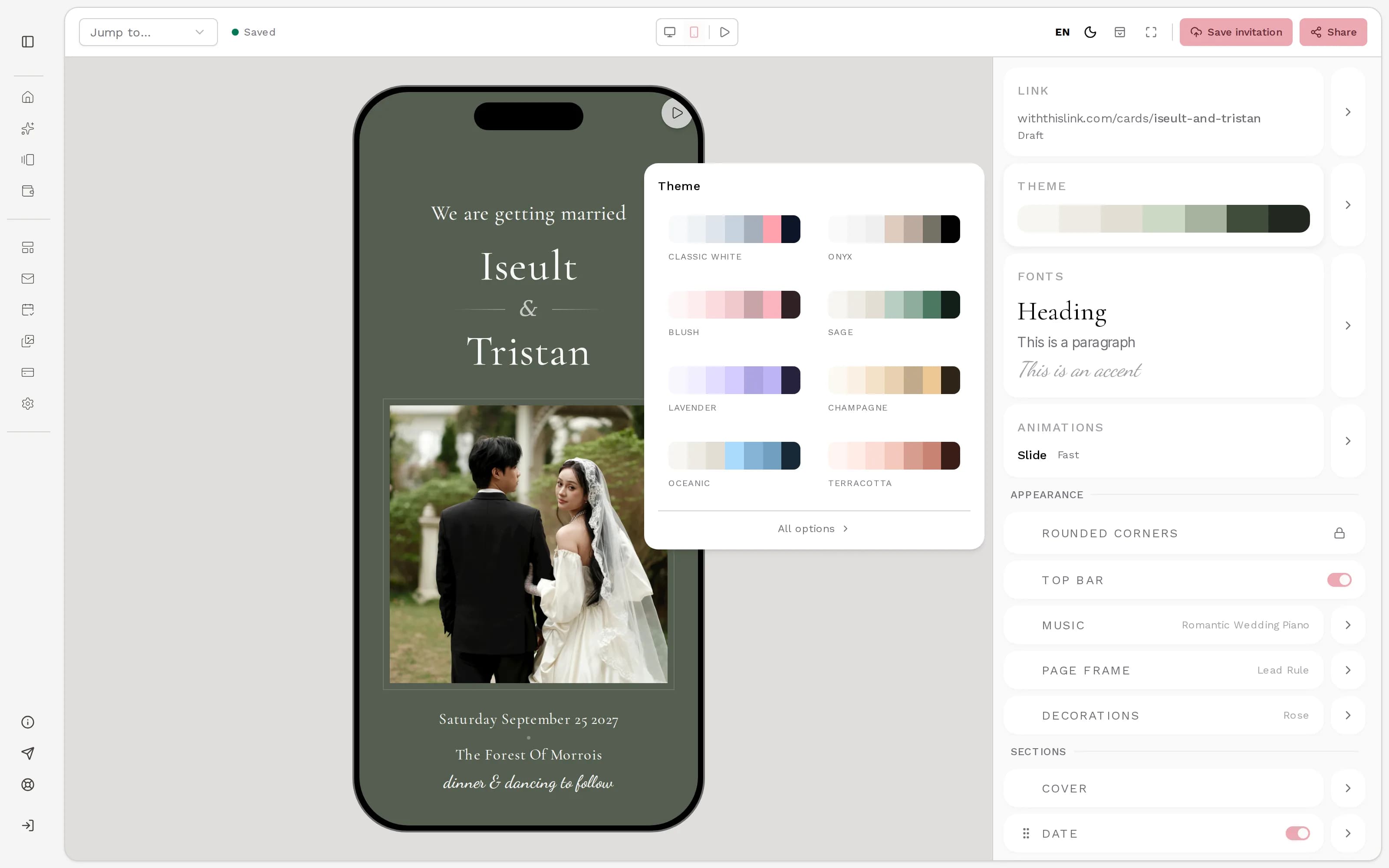
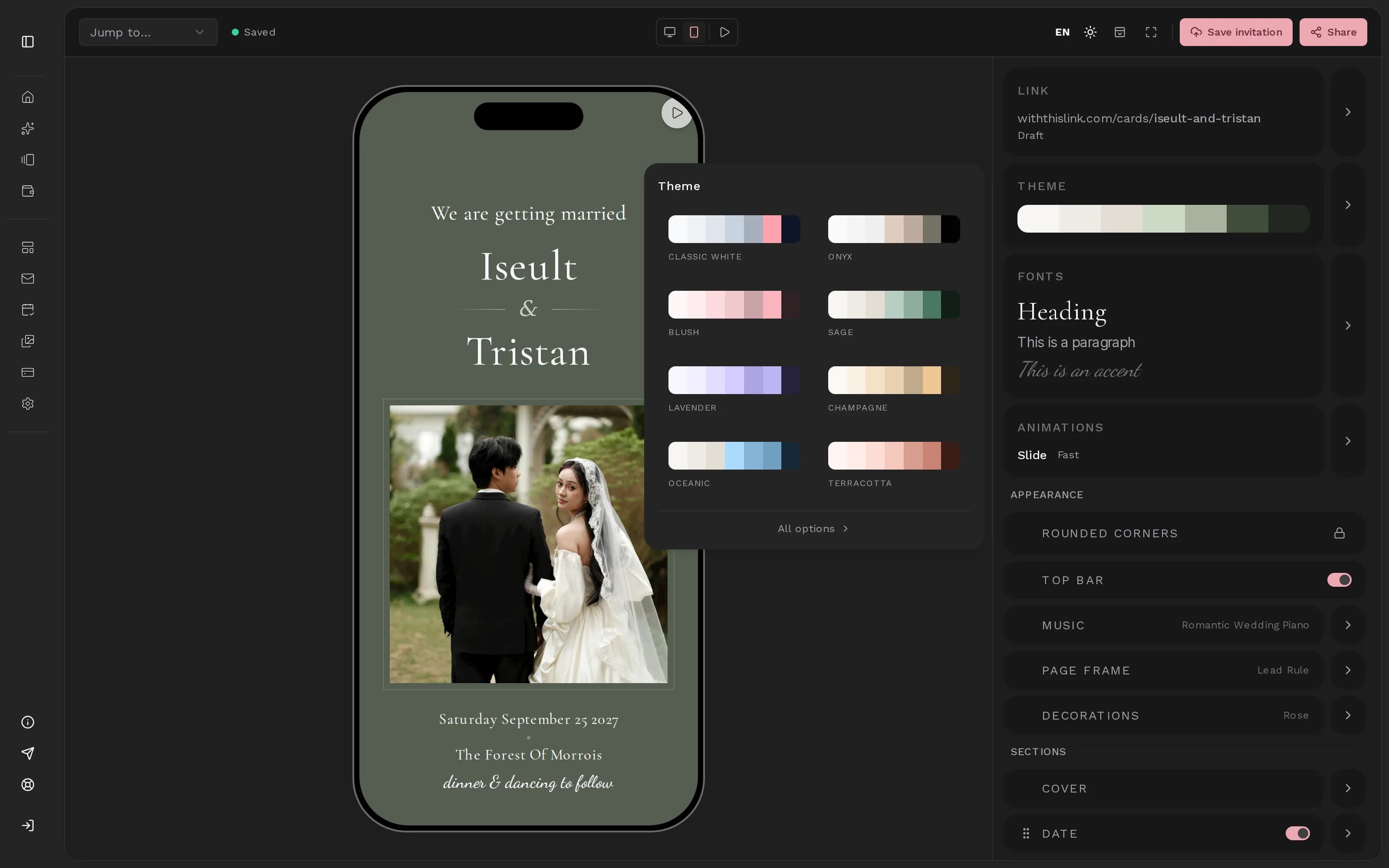
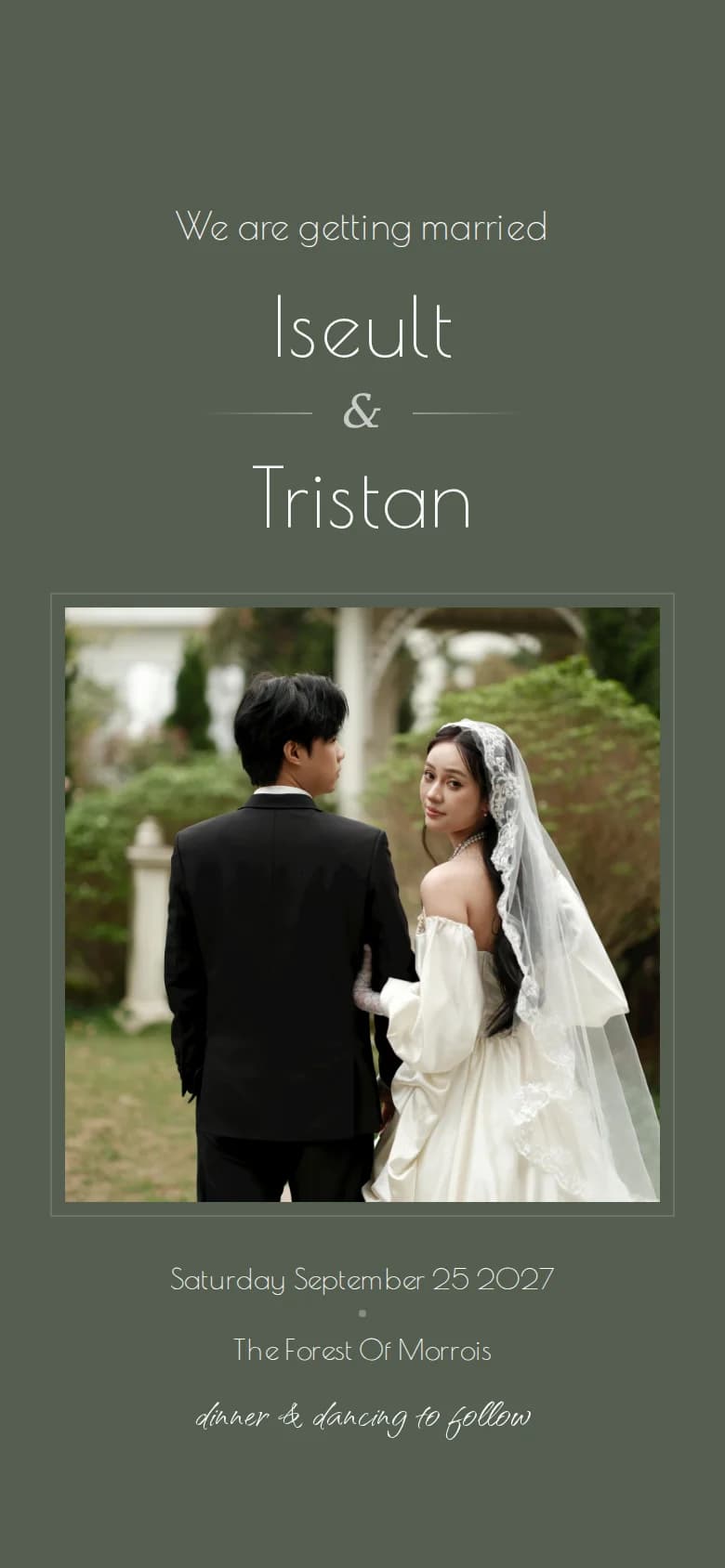
Open the theme tile and pick a palette: the cover, every section and the RSVP form change together. Below, the same invitation in four more of the 42 themes.
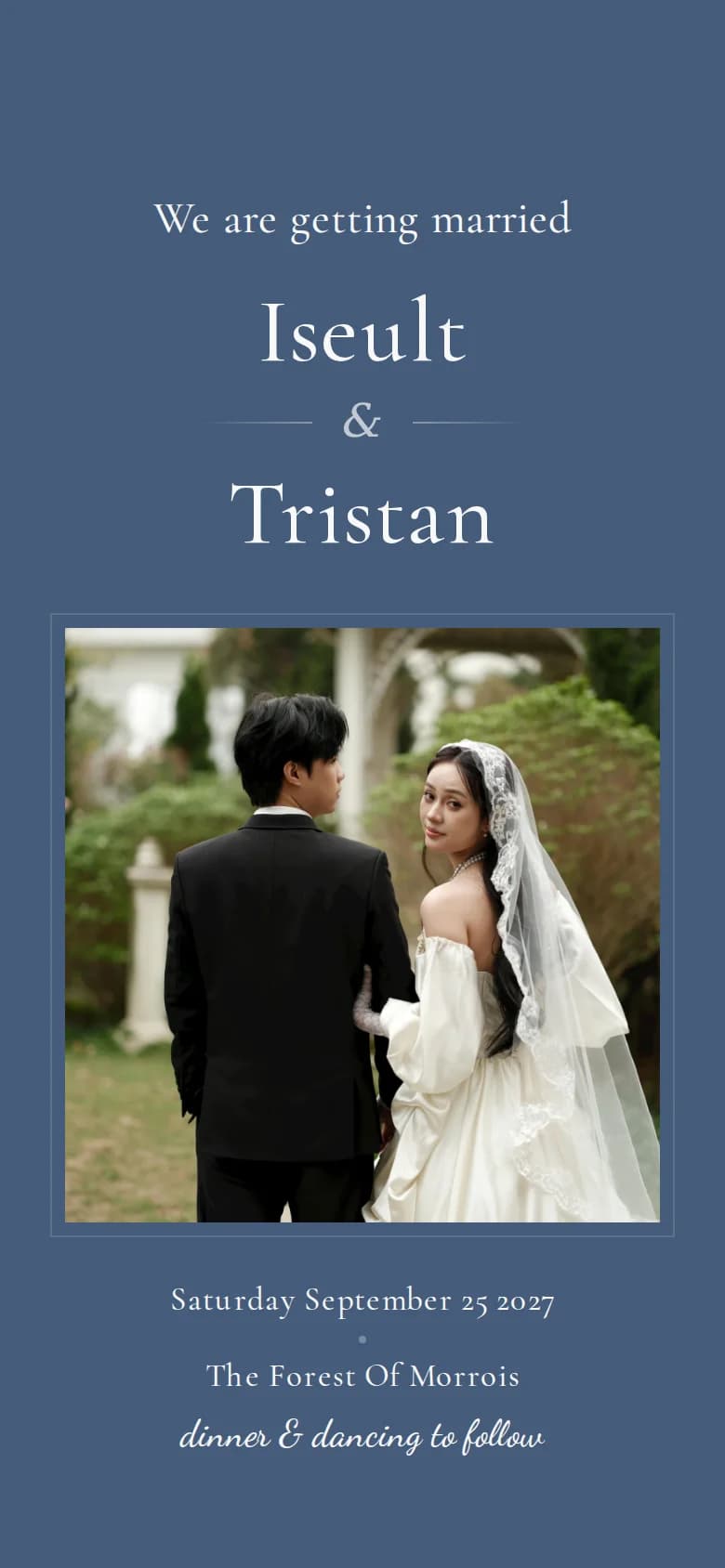
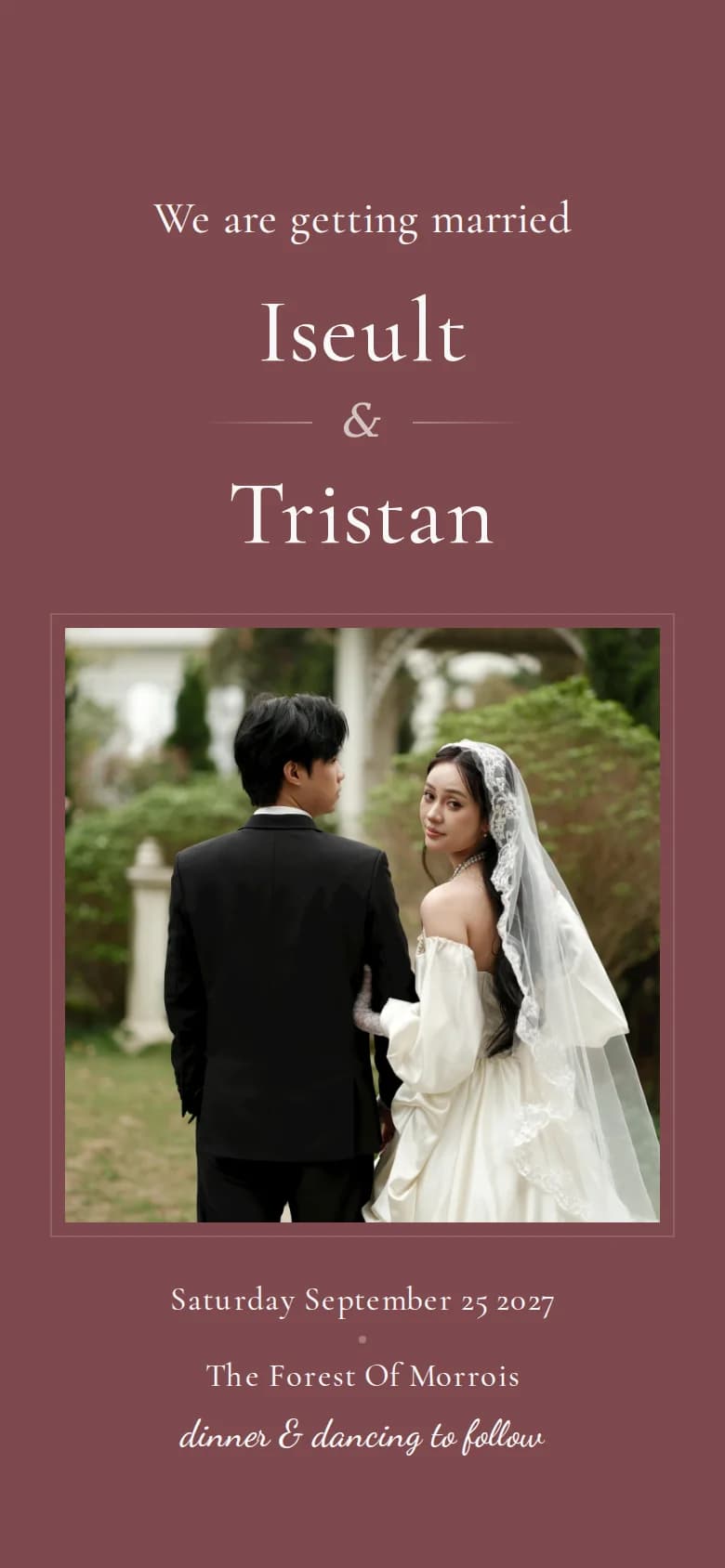
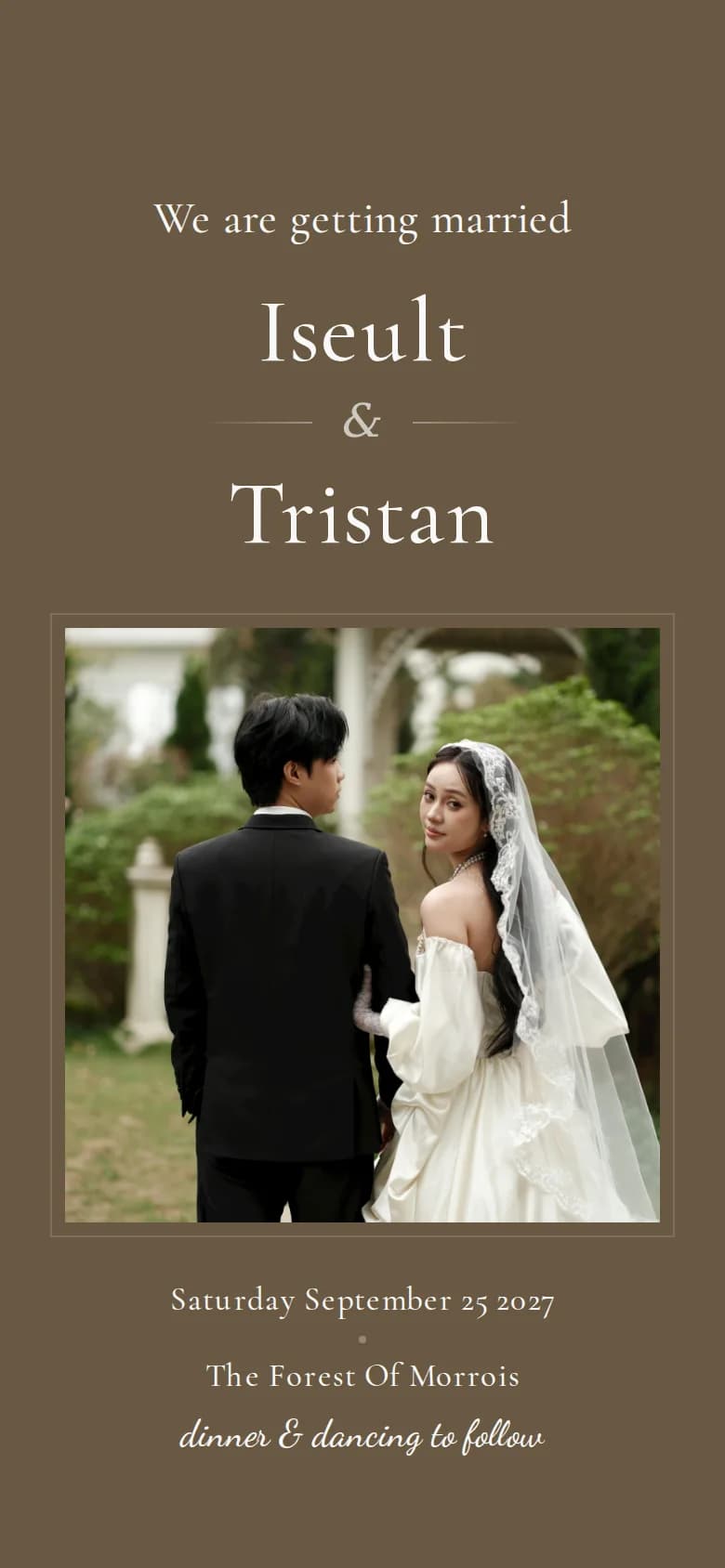
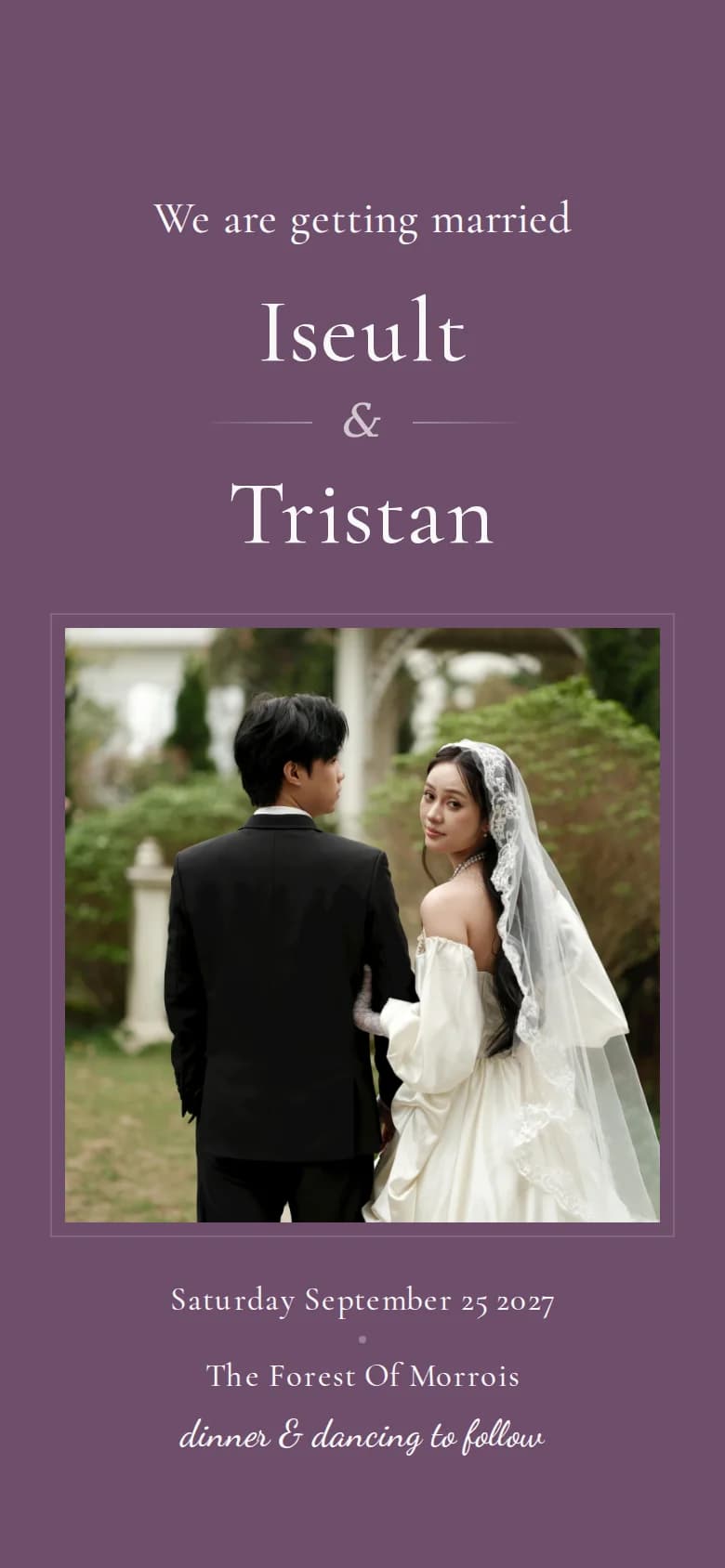
Fonts that set the tone
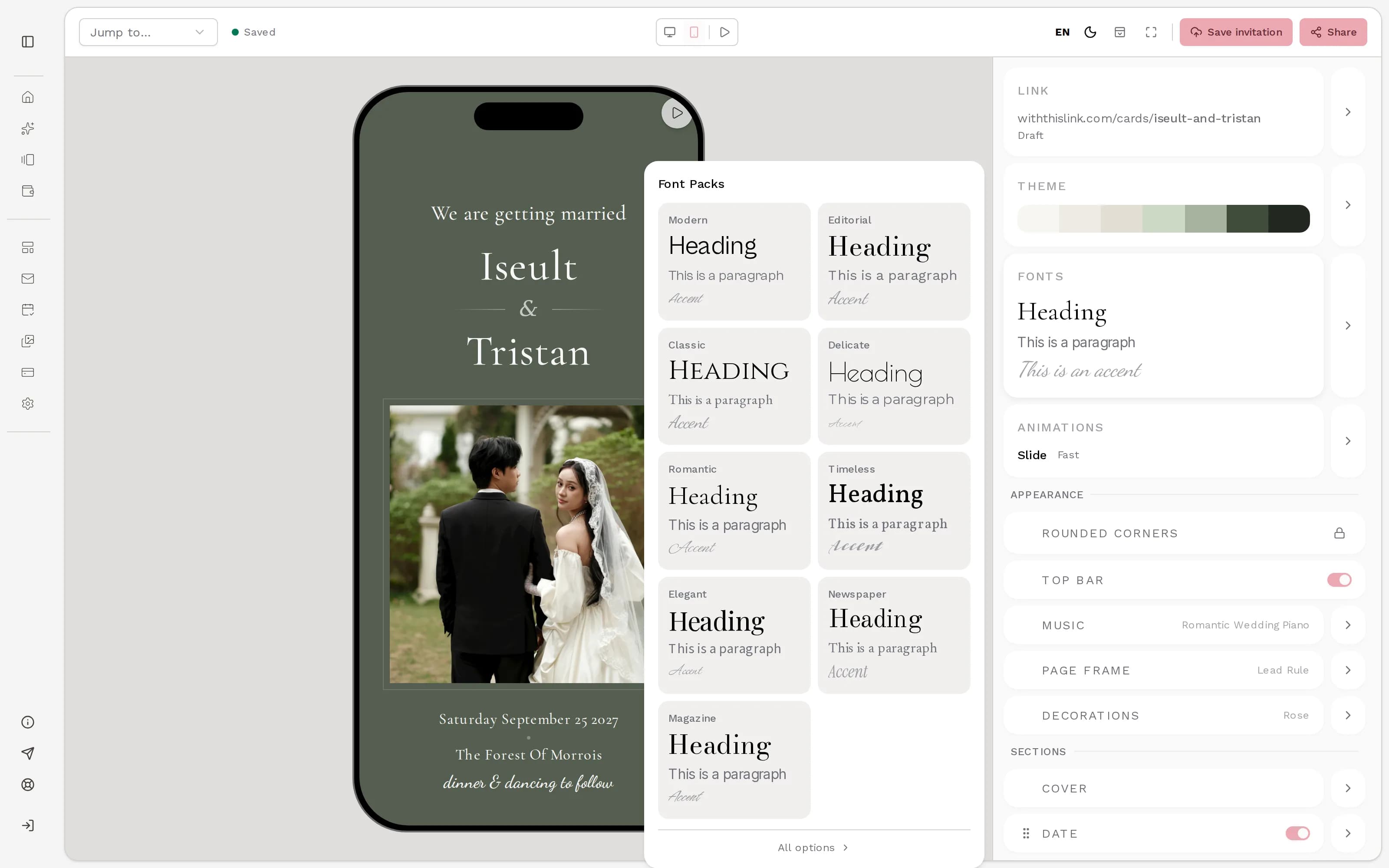
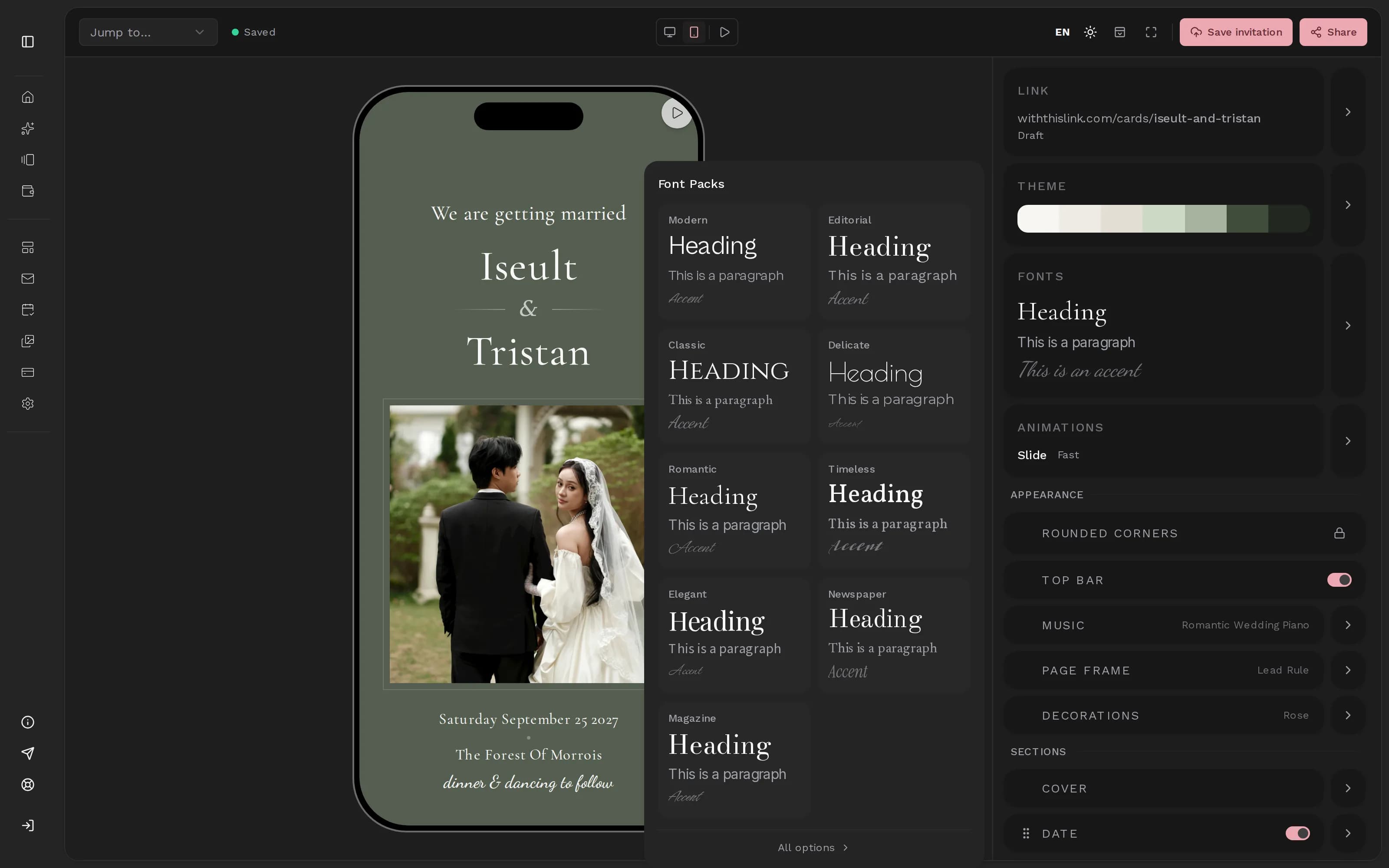
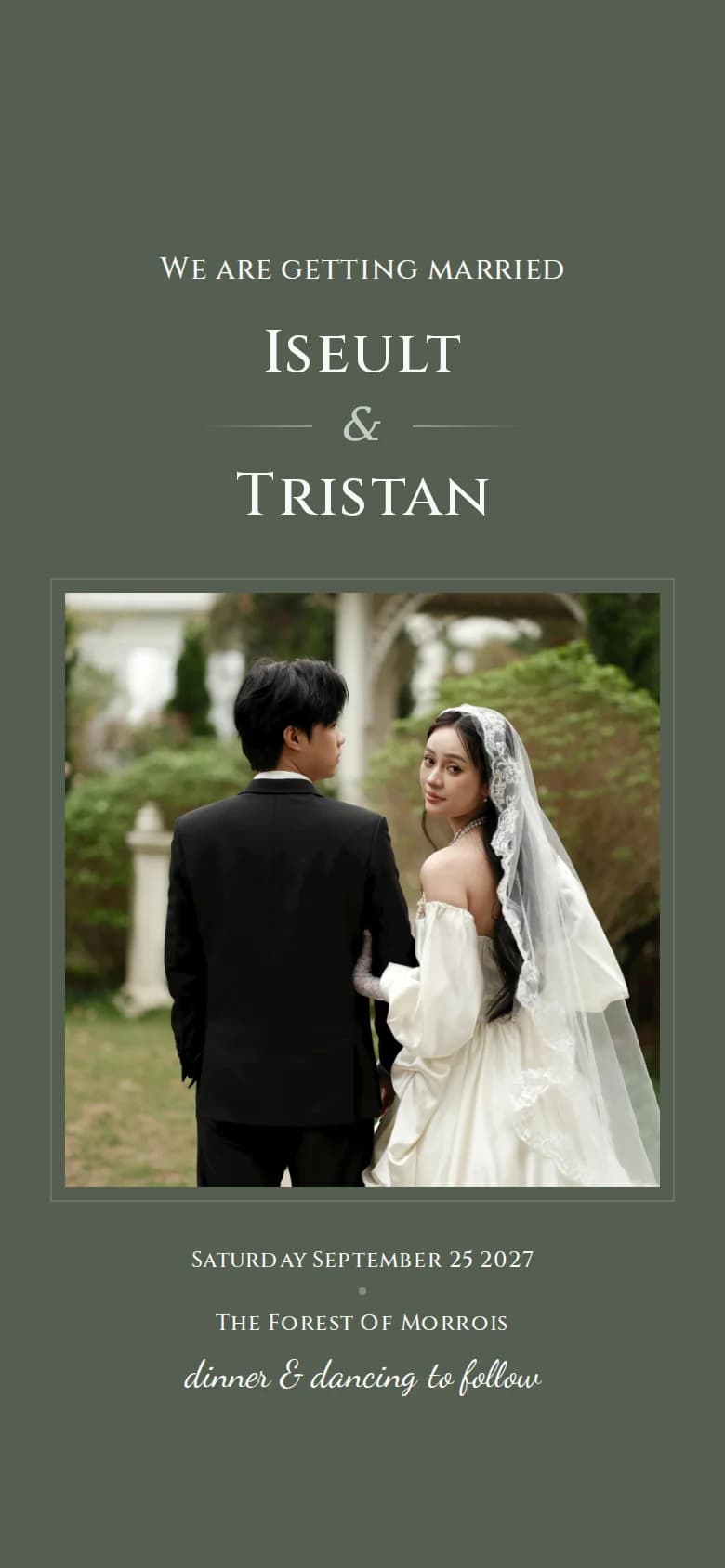
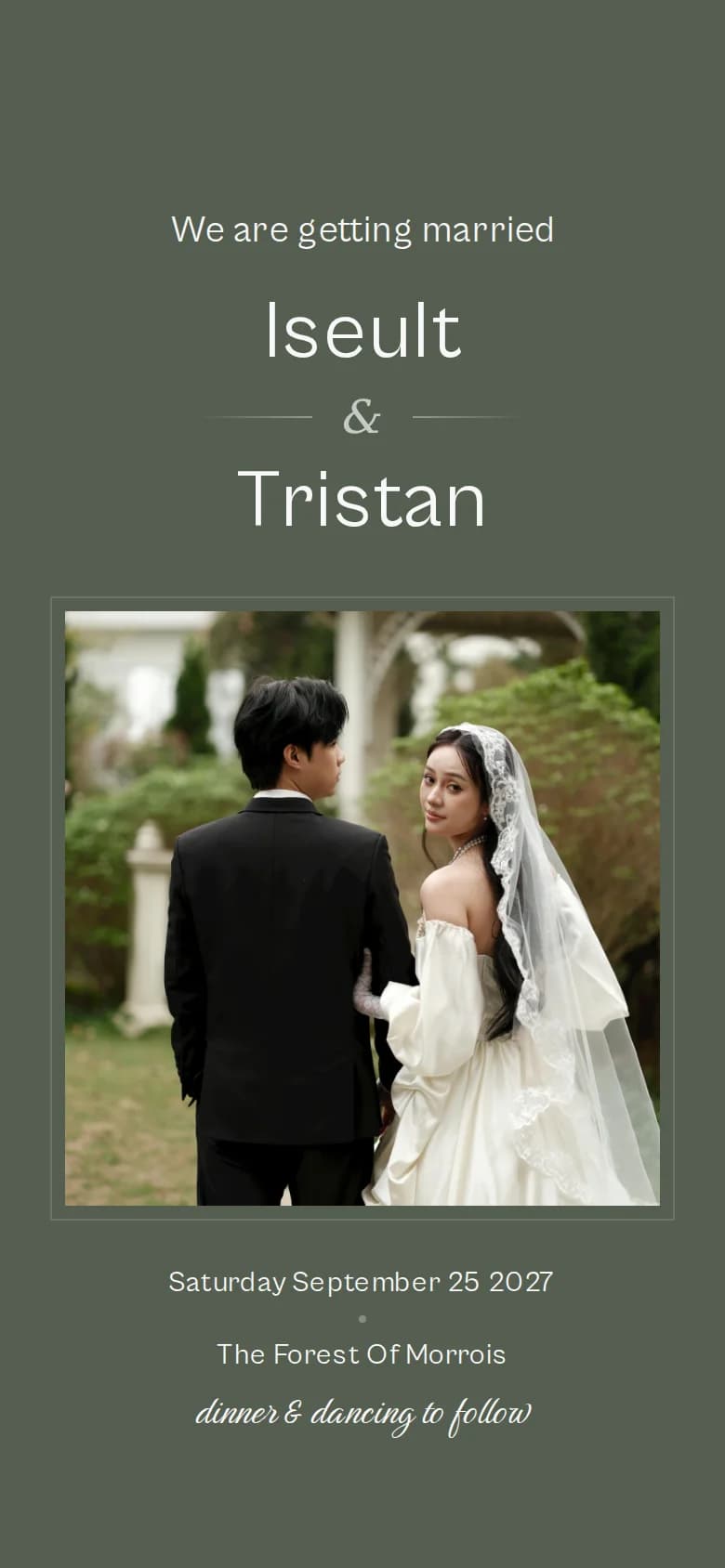
Pick a ready-made font pack, or choose the fonts for headings, text and accents one by one. Below, the same cover in three of the packs.
What you can change
Five ways to make the design yours
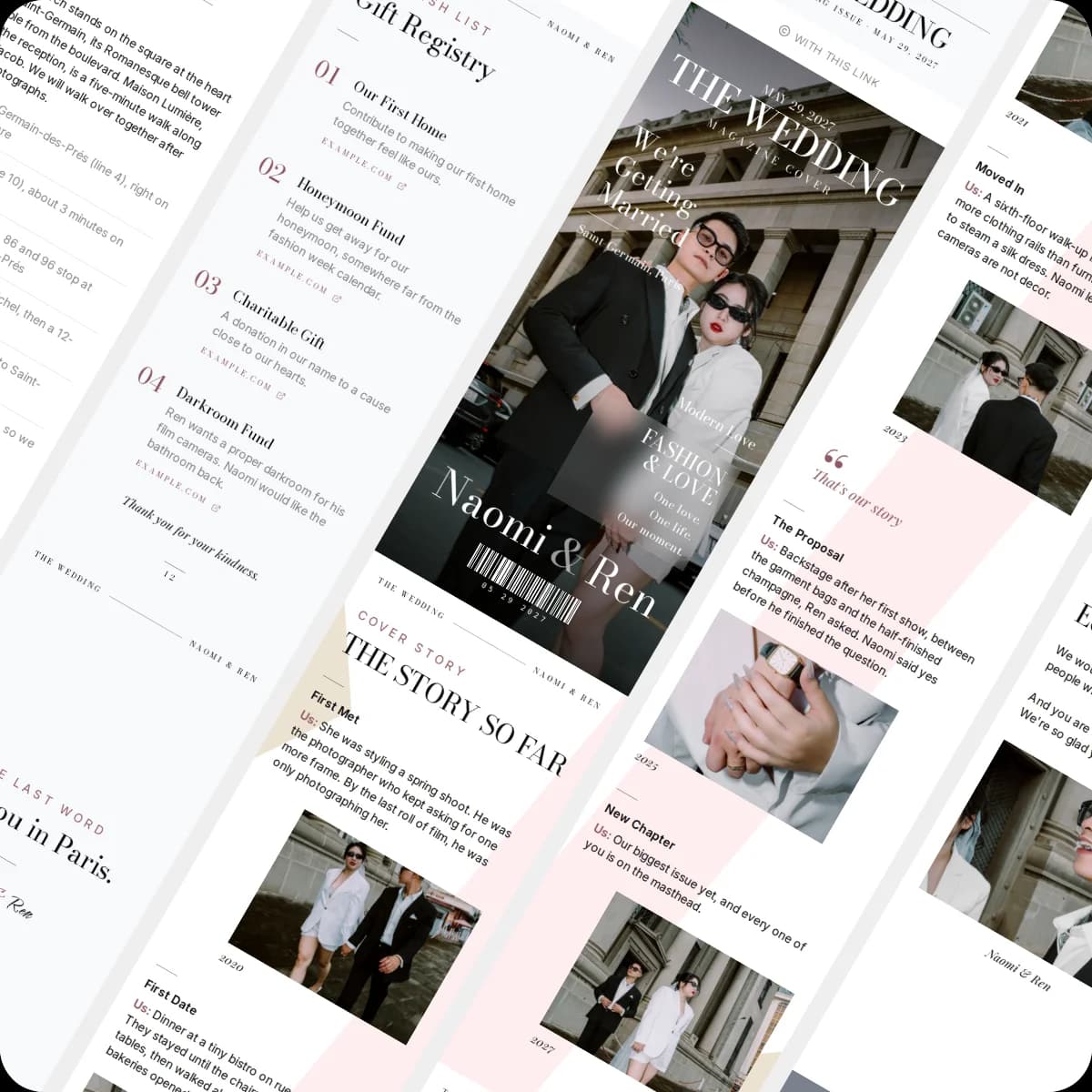
Your colors and fonts carry through every section, from the cover to the closing words.
Color themes
42 themes in six moods, from classic white and ivory to sage, dusty blue and wine. Or pick any color and get a full palette built from it. Each section can also take its own background shade and one of 12 backdrops, such as watercolor, linen or a fine grid.
Typography
43 fonts for headings, body text and accents, or a ready-made font pairing. Size, weight, line height and letter spacing are sliders, and individual texts can be bold, italic, centered or set in capitals.
Background music
18 royalty-free tracks in piano, guitar, classical and modern. The track loops quietly under your invitation, and a small button lets guests start or pause it at any time.
Cover designs
20 covers in floral, modern and editorial styles set the first impression. Swap to another cover whenever you like without retyping anything.
Photo finishing
Depending on the layout, your cover and welcome photos can take a frame shape from sharp corners to circle or arch, a finish such as black and white, sepia or warm, and brightness, shadow, tilt, vignette, focal point and zoom.
Good to know
Questions about design, fonts and music
Changing the look later, music on phones, and which fonts you can use.
Didn't find what you were looking for?
Write to us with your question. We reply within one business day.
More features