Our story
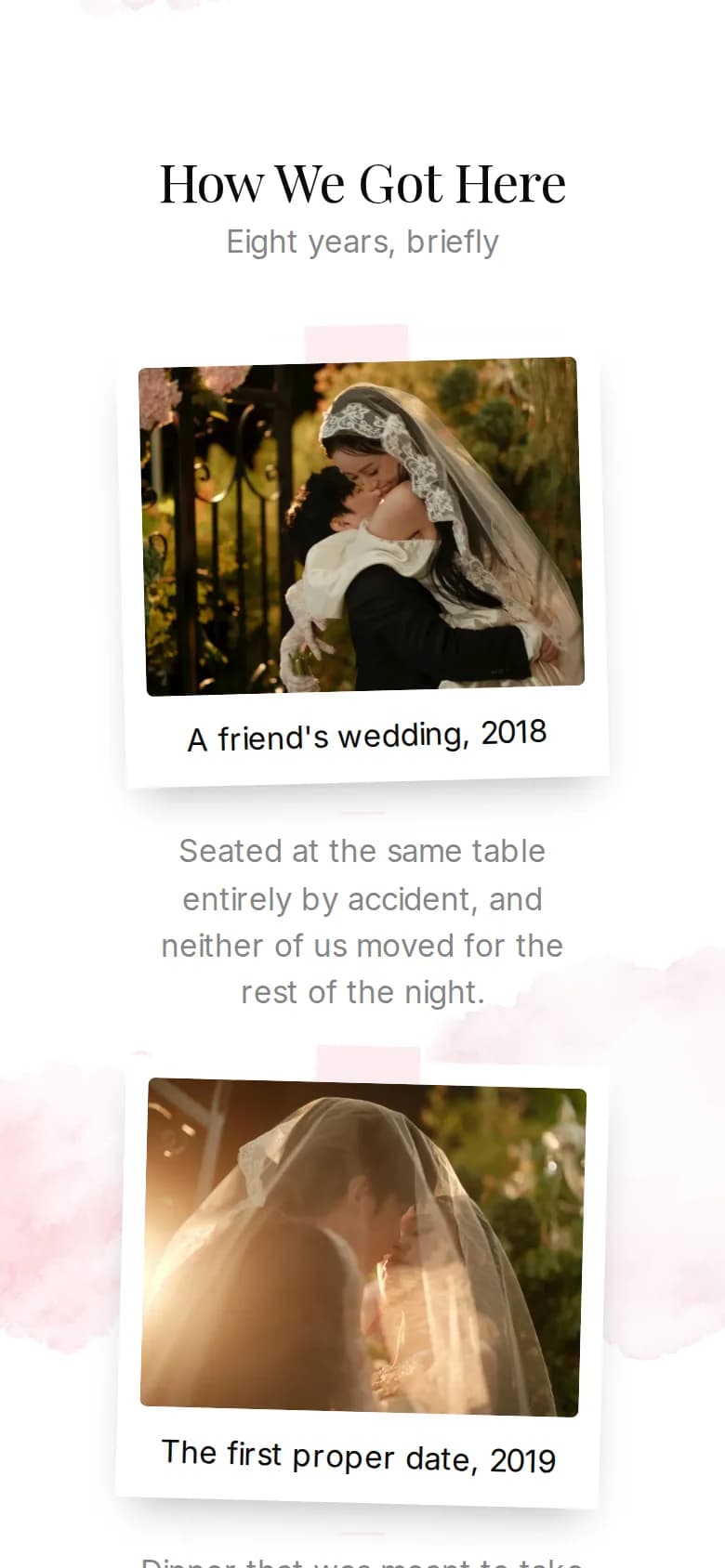
How you met, the proposal, the moments in between: up to five chapters, each with a year, a title, a few lines and a photo.
Choose the parts your day needs and leave out the rest.
Your invitation is built from sections: the cover first, then everything from the countdown to the RSVP form. Switch on the ones you need, put them in your order and give each one its own layout.
How it works
Every section except the cover can be switched on or off. Switched-off sections keep their content, so you can bring them back at any time.
Drag the sections into the order that tells your day best, or move them right on the preview. The cover always opens the invitation.
Each section comes in its own layouts, and your colors and fonts carry across all of them. Switch as often as you like, your texts stay.
All sections
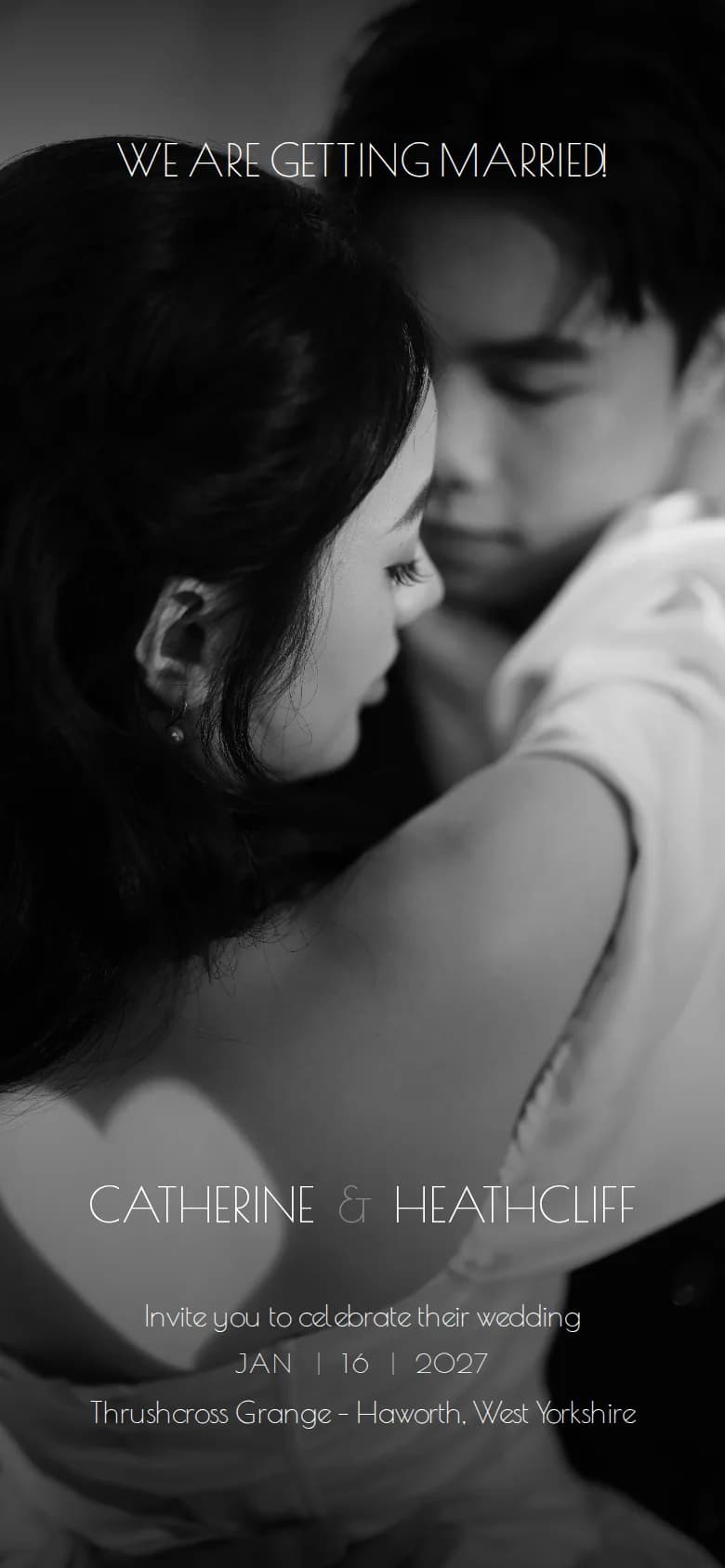
The first screen your guests see: your names over a cover photo, with the date, the place and a short line if you want them. Petals, leaves or snowflakes can drift across it.
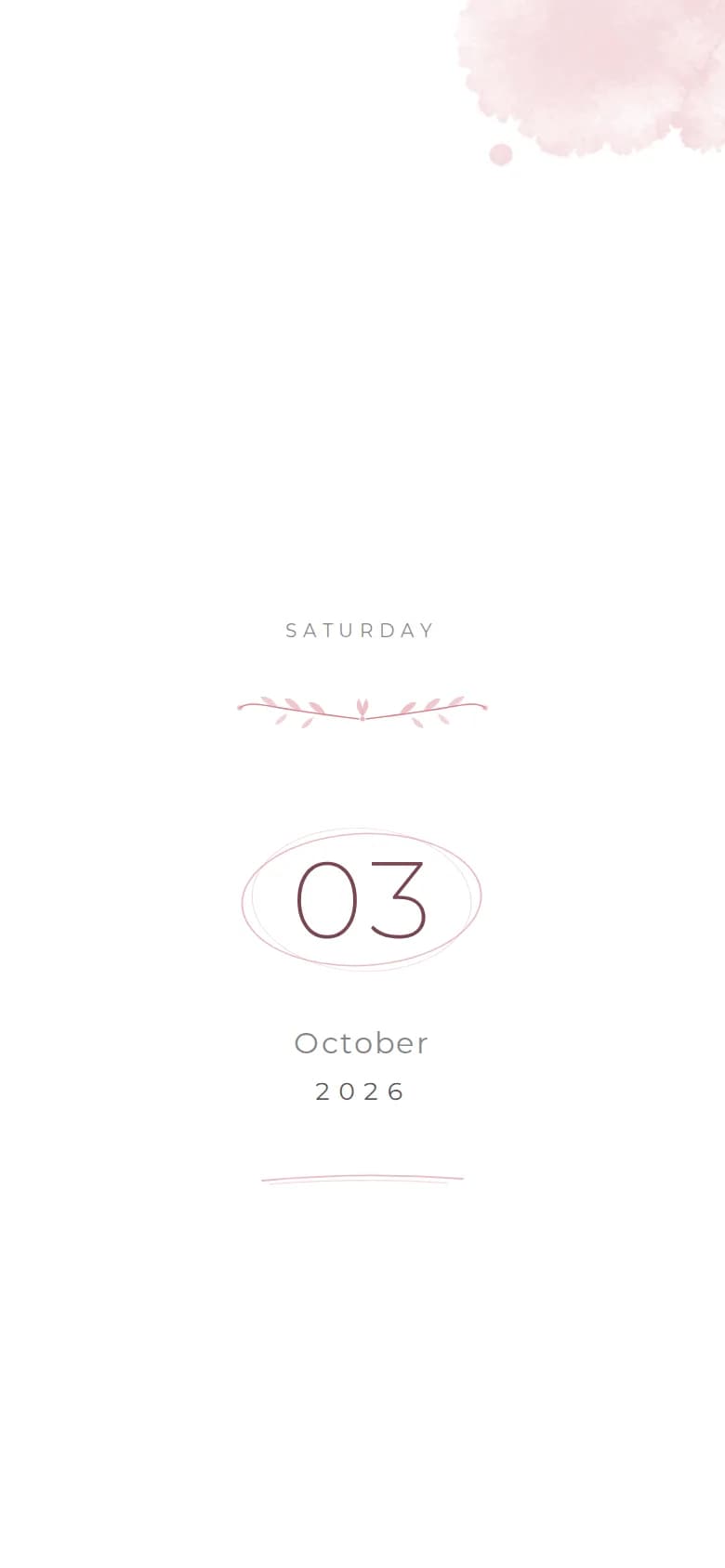
Your wedding date set in large type, in figures, with the month written out or entirely in words. Add the weekday and the time if you like.
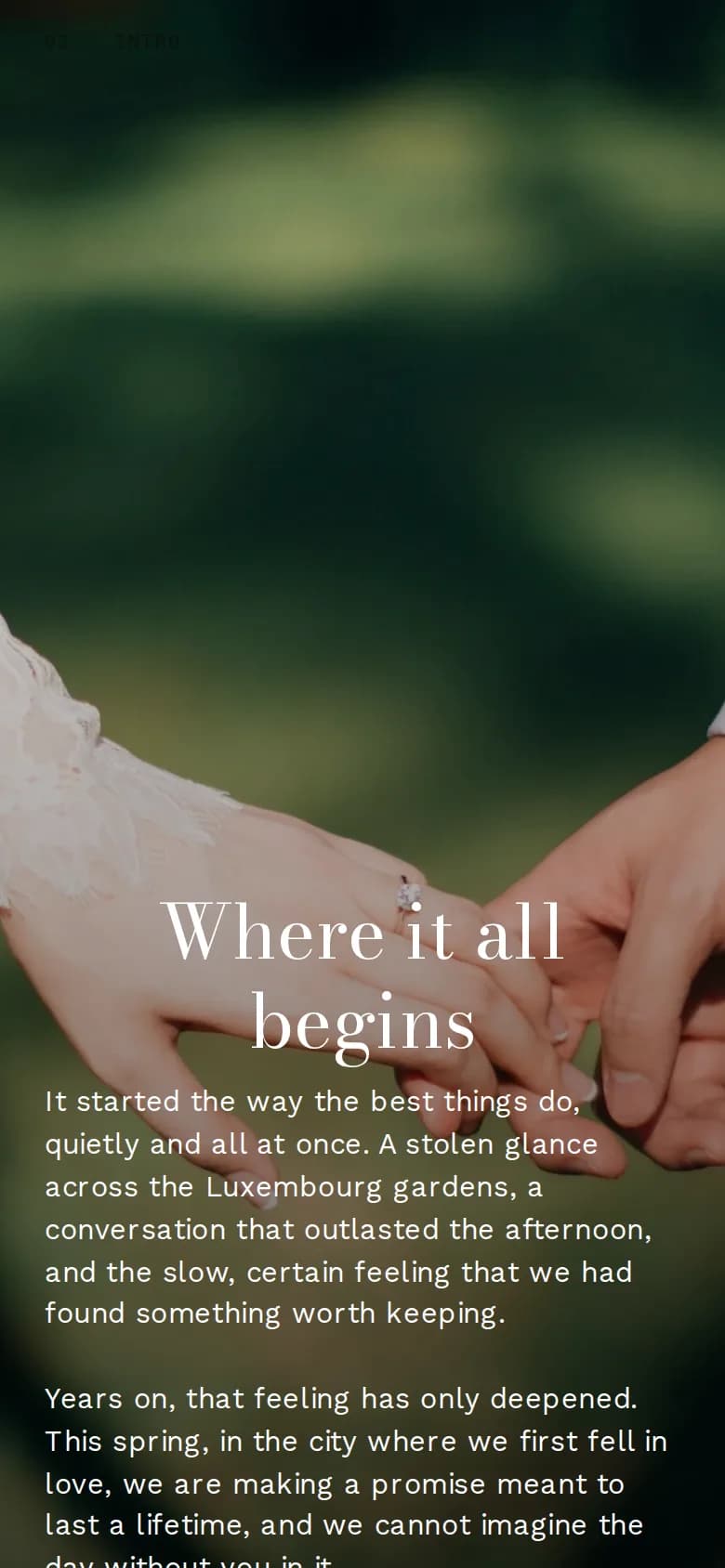
A few personal words that open your invitation, with an optional photo and an ornament of your choice, from a laurel wreath to a pair of doves.
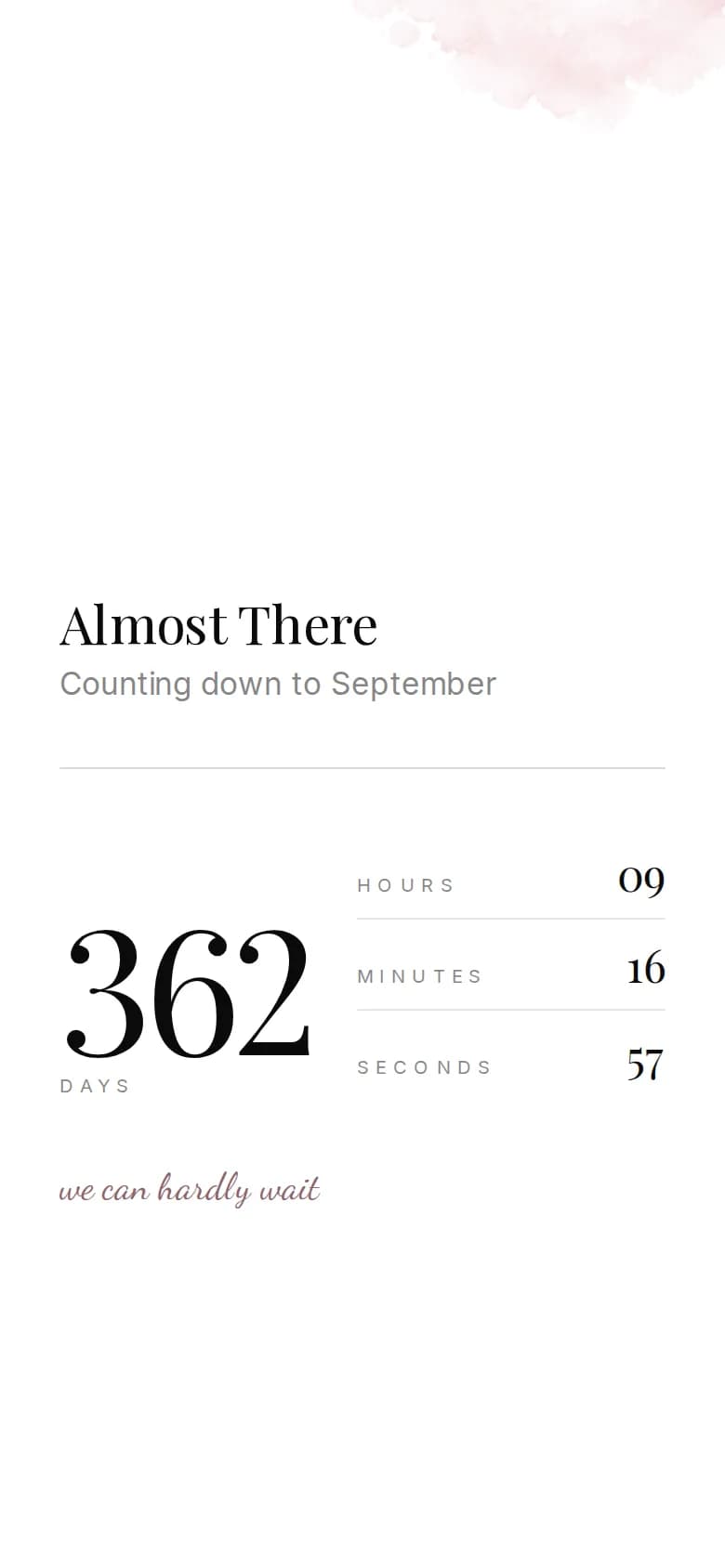
A live countdown to your day in days, hours, minutes and seconds, ticking away while your guests read.
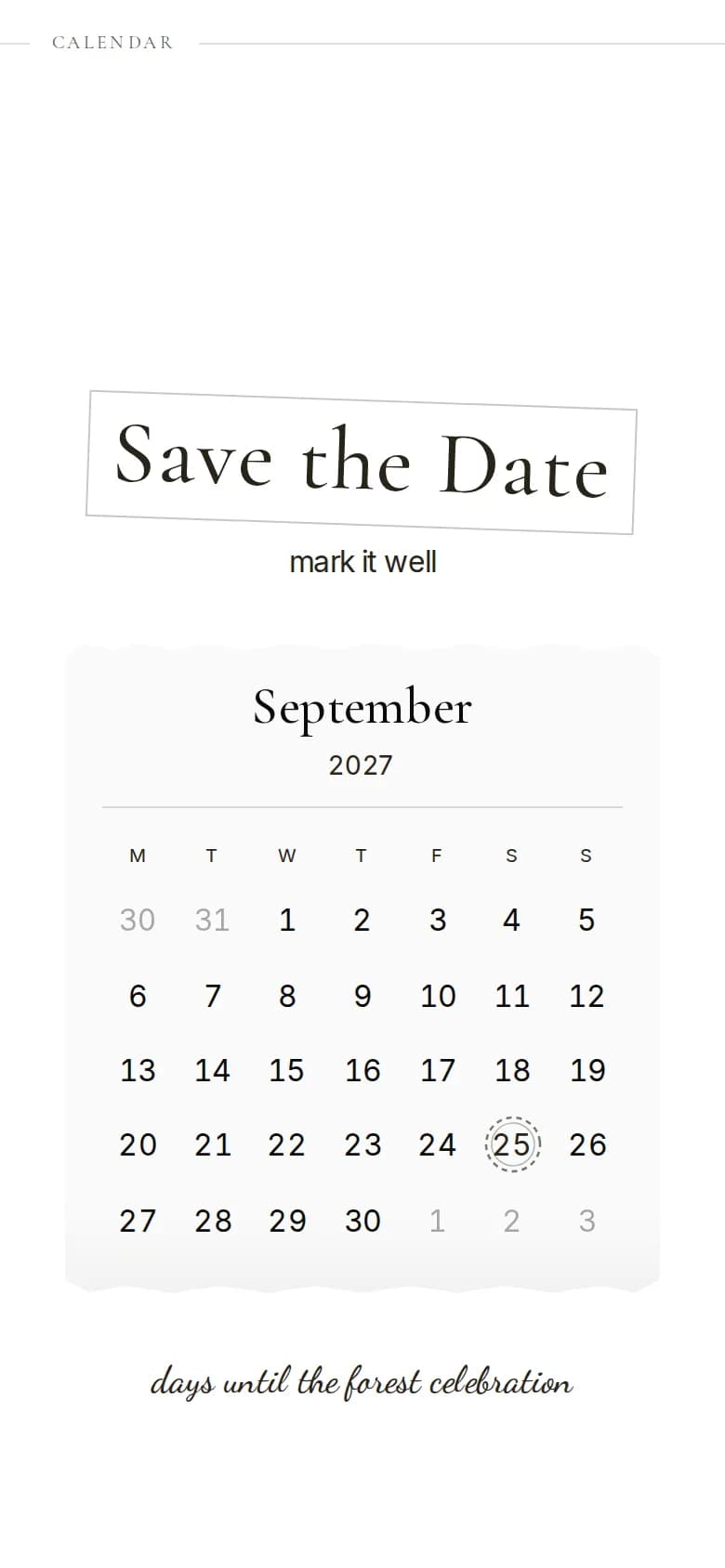
A month view with your wedding day marked, so guests see at a glance where the date falls, together with the start time.
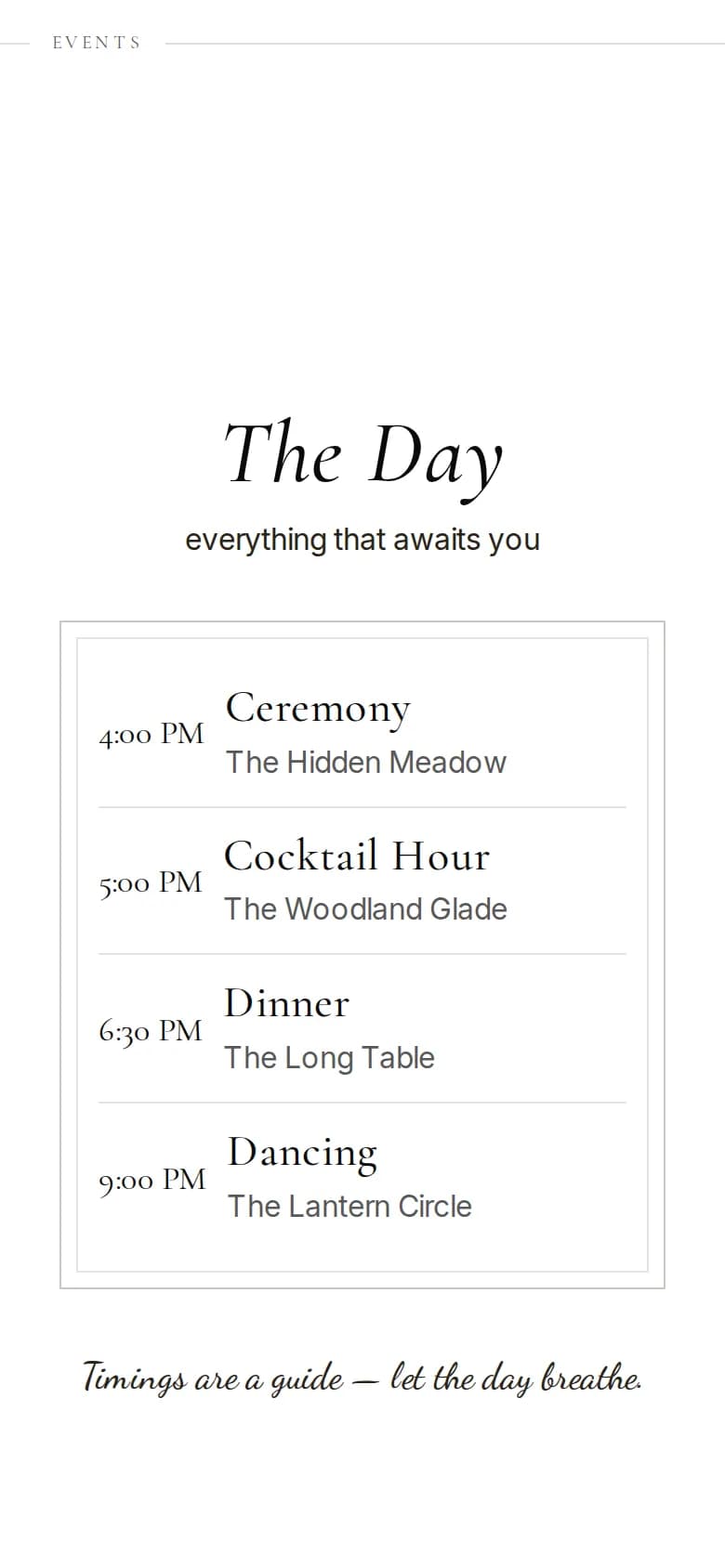
The course of the day in up to ten moments, each with time, place and a short note: ceremony, reception, dinner, party. One layout sets it as a menu card.
Up to thirty of your favourite photos as a grid, a collage or pages to swipe through. Guests tap any photo to see it full screen.
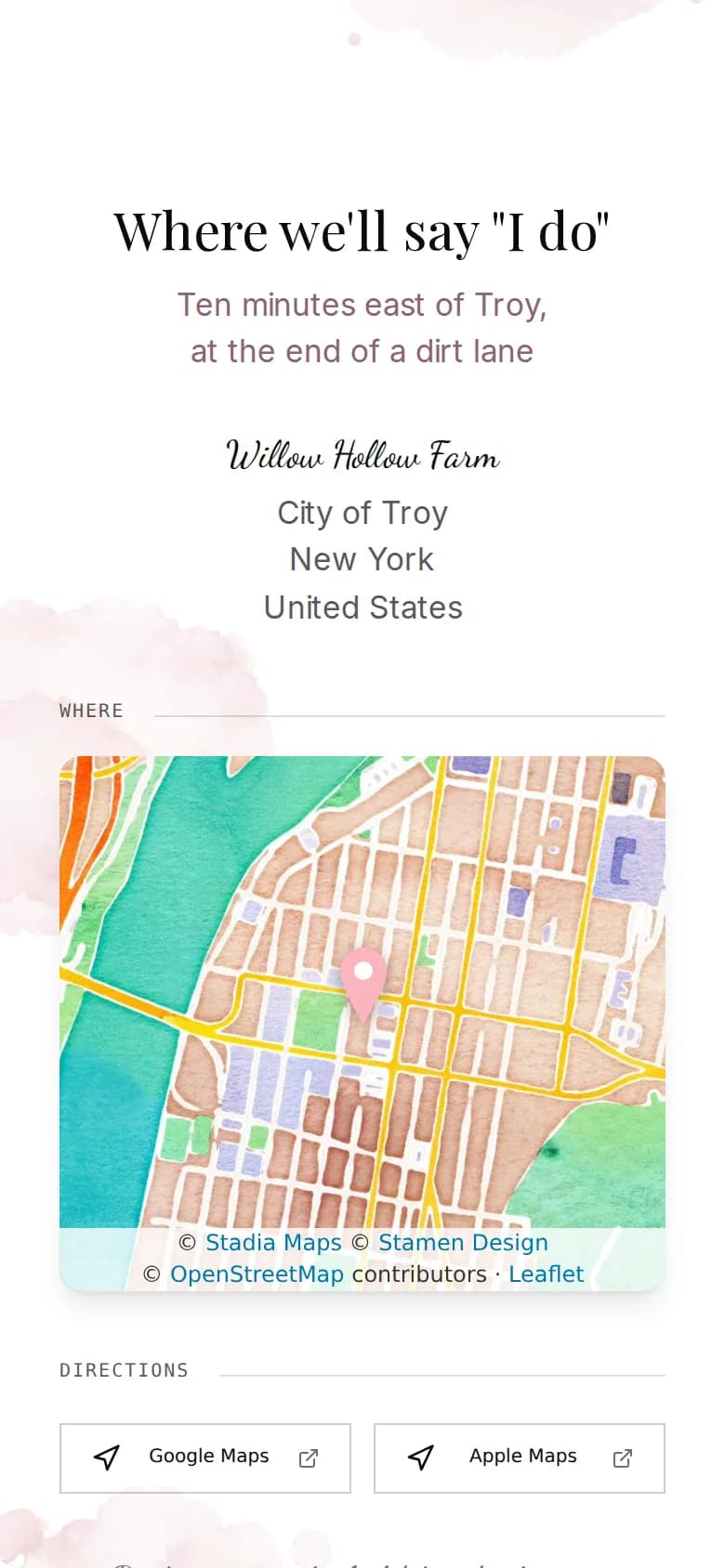
Venue, address and an interactive map with buttons that open Google Maps or Apple Maps. Add directions and up to twelve travel tips, from parking to the nearest train station.
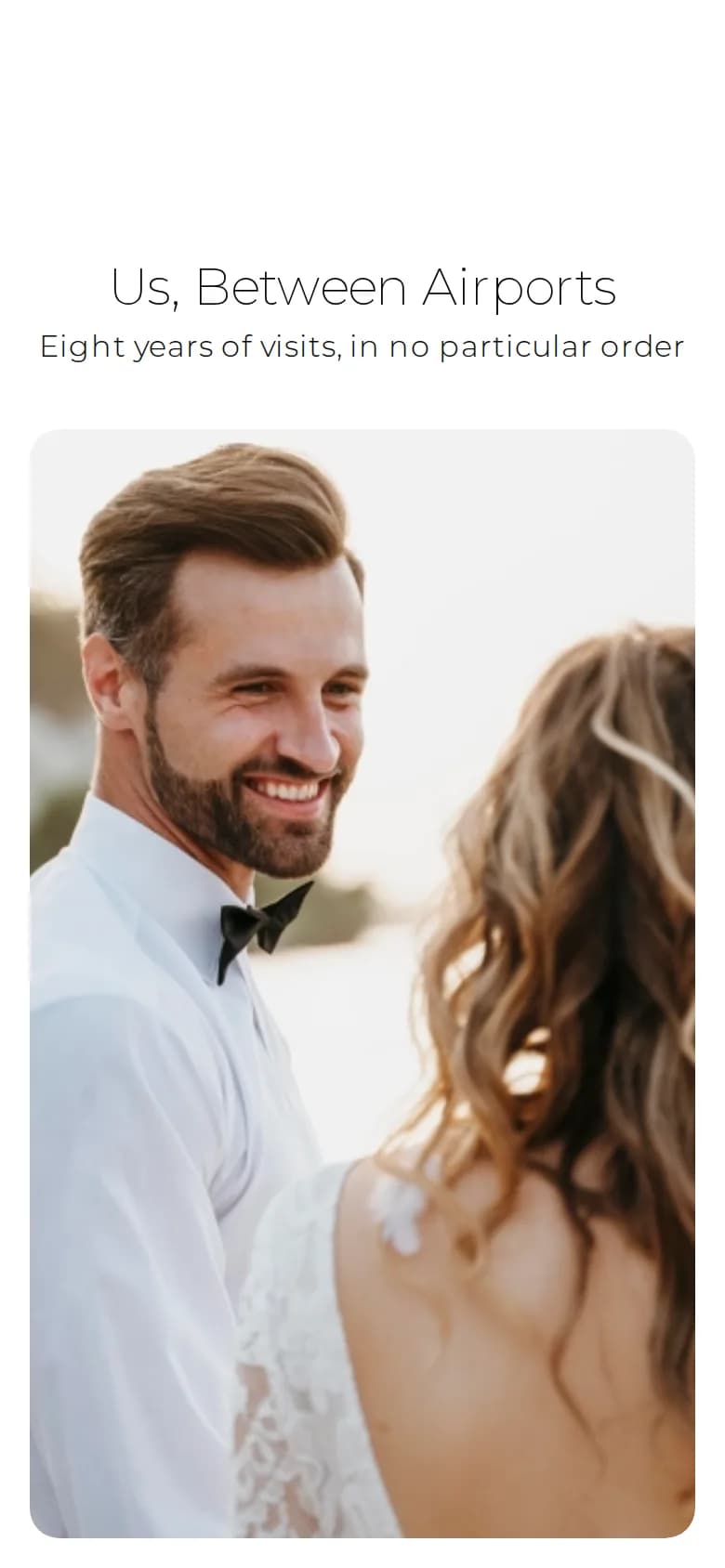
How you met, the proposal, the moments in between: up to five chapters, each with a year, a title, a few lines and a photo.
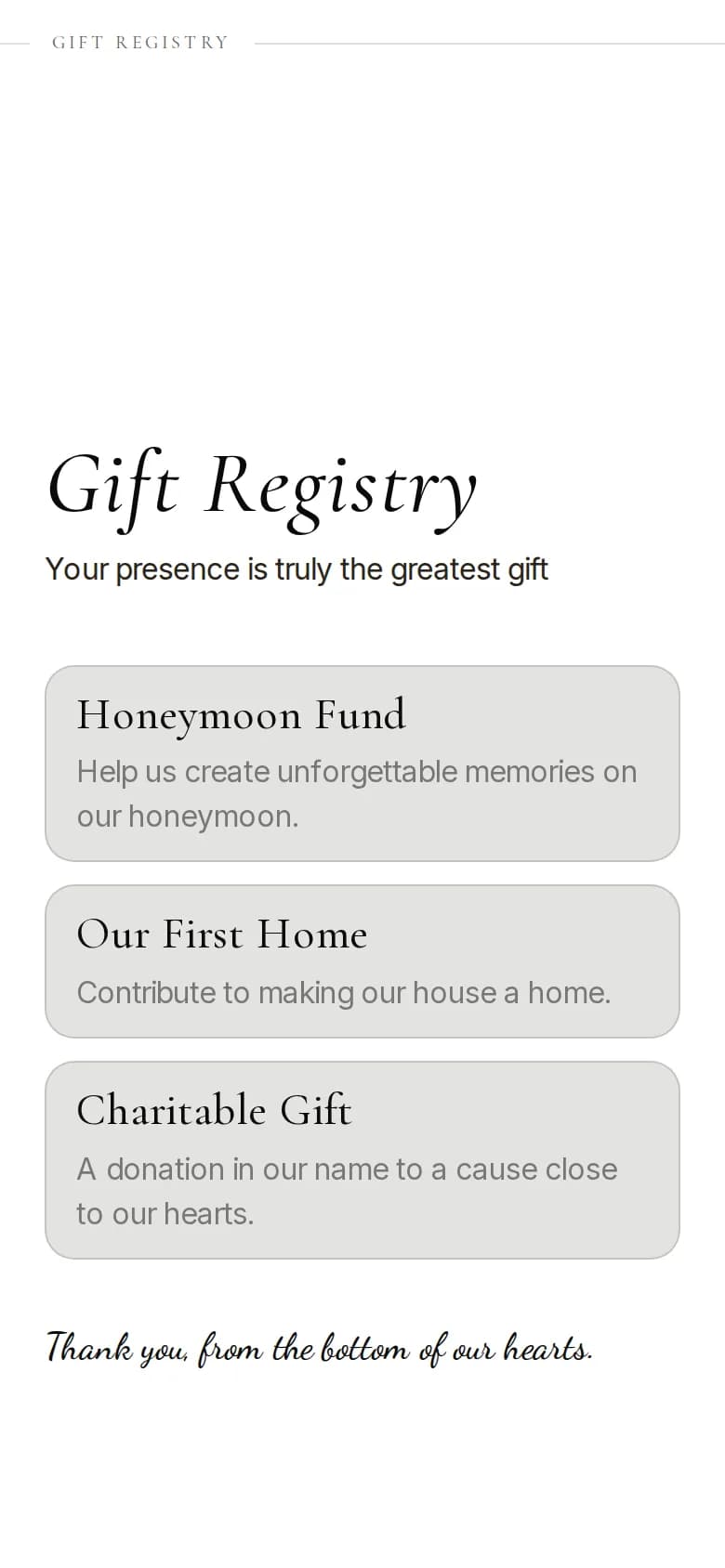
Up to six wishes, each with a short description and a link to your registry or wherever guests can find it.
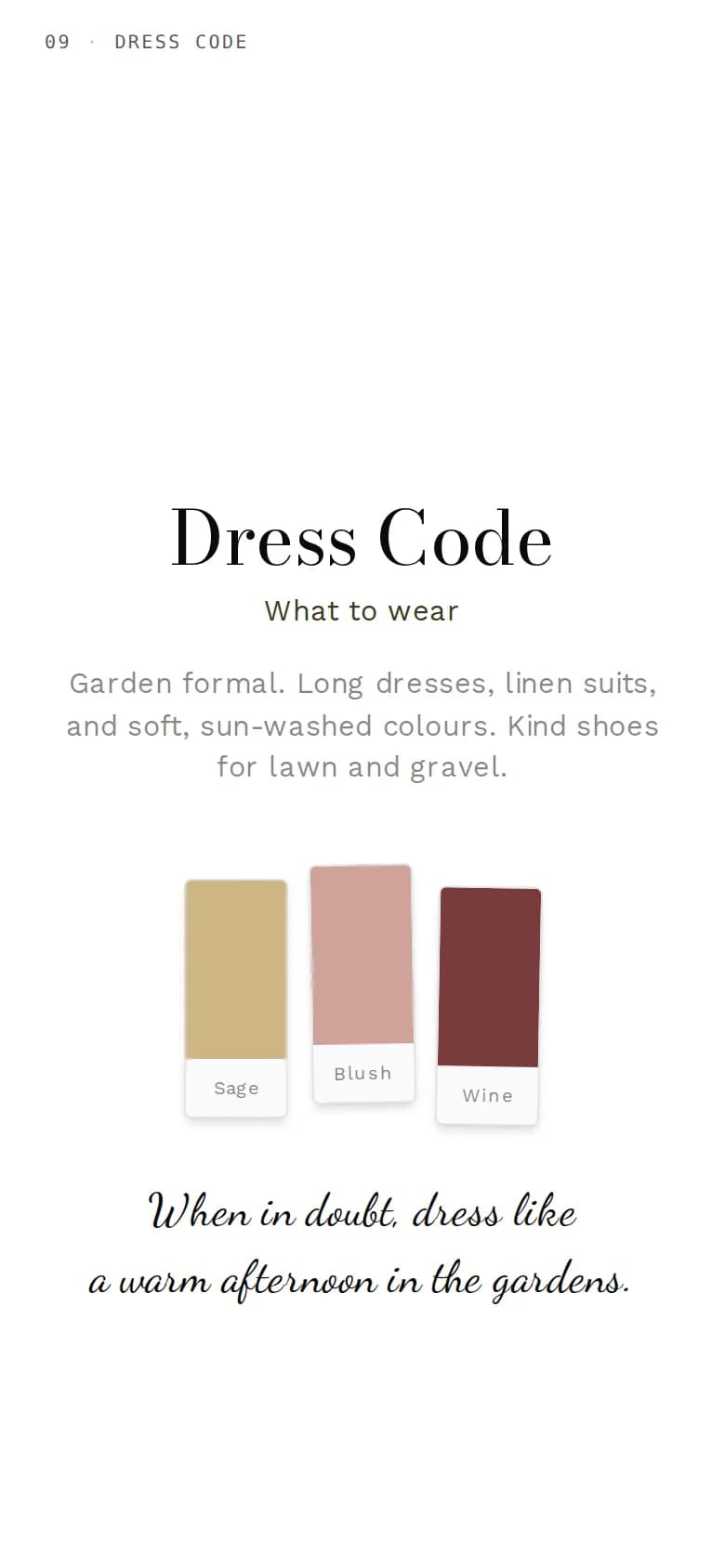
A short description, a palette of up to six colors and lists of do's and don'ts, so nobody has to ask what to wear.
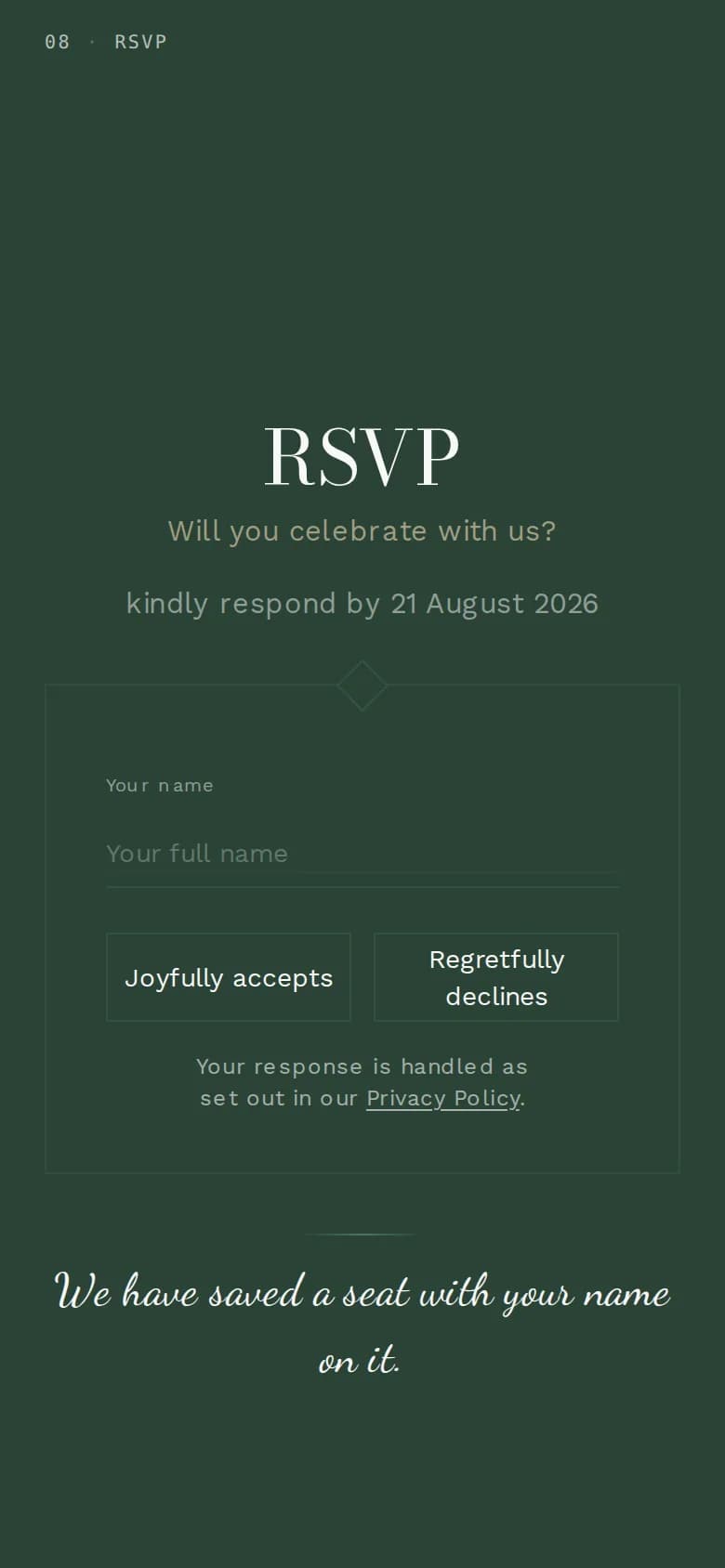
Guests reply right on the invitation: yes or no, how many are coming, adults and children, meal choices, a song request and a note. You choose the questions, and every answer lands in your dashboard, ready to export.
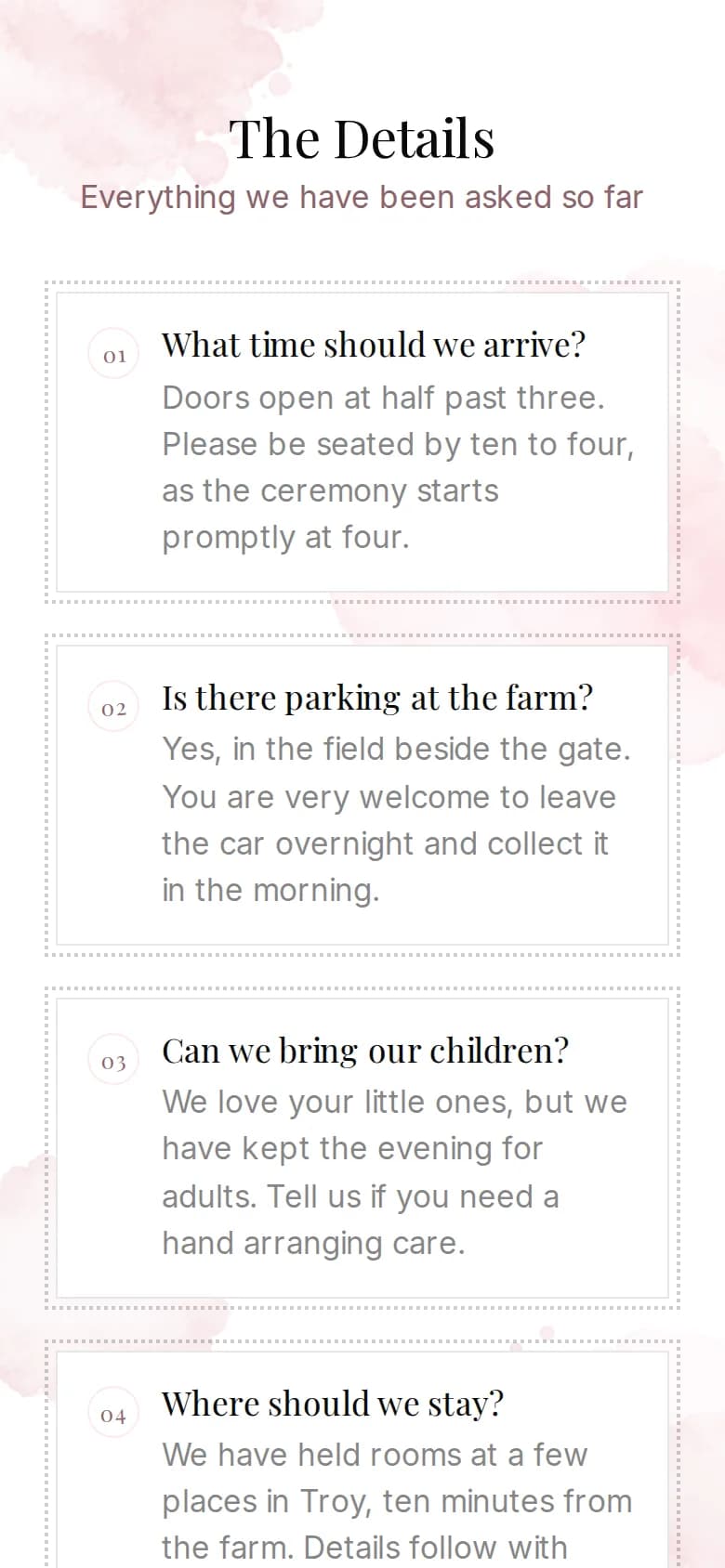
Up to twenty questions and answers for everything guests would otherwise text you about: parking, children, the hotel, the gifts.
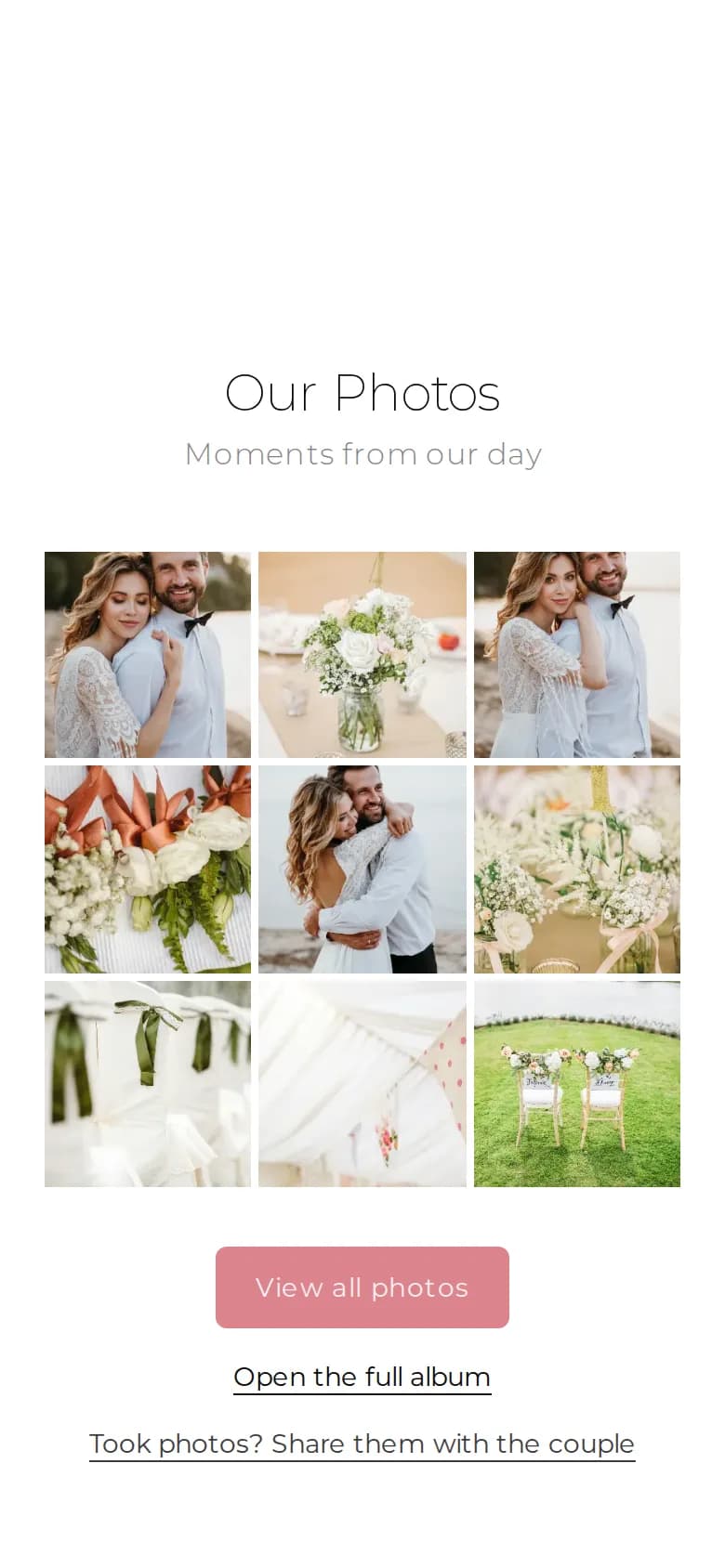
Your invitation becomes the door to your photo album: highlights on the card, the full album behind an access code. If you allow it, guests add their own photos, and you approve who may upload. Part of the photo album add-on.
A last word to your guests at the end of the page. Leave it empty and the invitation signs off with your names.
Good to know
Hiding, ordering and styling the parts of your invitation.
Write to us with your question. We reply within one business day.
More features